

Before you start
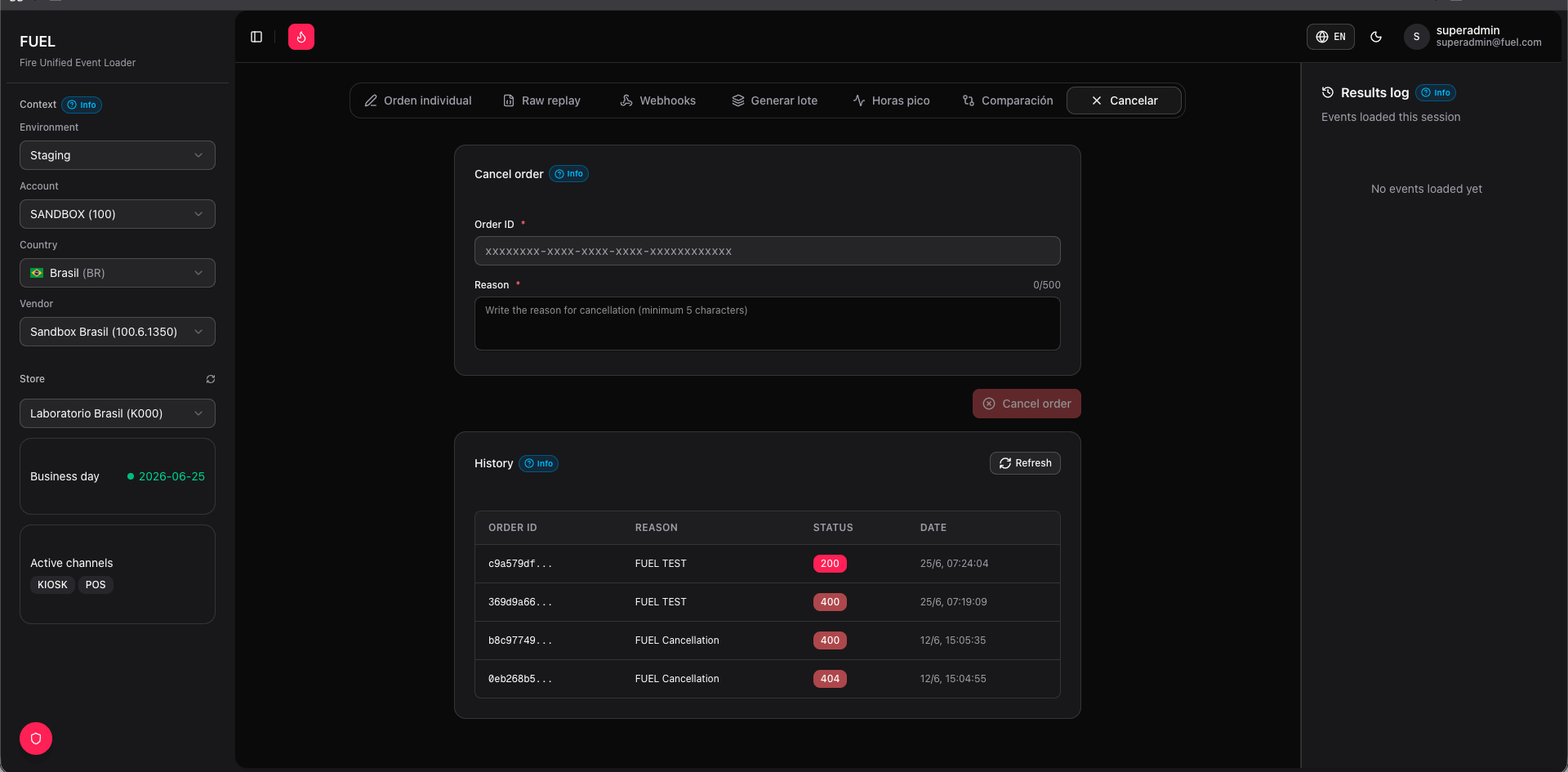
Make sure your operating context is set in the sidebar: environment, account, country, vendor, and store must all be selected. Cancellation requests are sent to the FIRE environment you have active.How to cancel an order
1
Open the Cancel order tab
Click Cancel order in the top navigation. The tab shows a single search field and a cancel action area.
2
Enter the order identifier
Type either the External Order ID (the ID your system assigned when the order was created) or the Order Code (the short alphanumeric code visible in FIRE’s order list) into the search field.
3
Verify the order (optional)
Click Search to look up the order in FIRE before cancelling. FUEL will display the order’s current status, channel, and creation time so you can confirm you have the right order. This step is optional — you can proceed to cancel without searching first.
4
Cancel the order
Click Cancel order. A confirmation dialog appears asking you to confirm the action. Review the order identifier shown in the dialog, then click Confirm to proceed.
5
Review the response
After the request completes, FUEL displays the raw response from FIRE:
- Success — FIRE returns the updated order object with status
cancelled. The response card is highlighted in green. - Error — FIRE returns an error code and message. Common causes are an order not found, an invalid identifier, or the order being in a non-cancellable state.
Response reference
Success (200)
FIRE accepted the cancellation. The response body contains the full order object with
"status": "cancelled" and a cancelledAt timestamp.Error (4xx / 5xx)
FIRE rejected the cancellation. Check the
message field in the response body. Common messages include Order not found, Order already cancelled, and Order cannot be cancelled in current state.Notes
FUEL calls FIRE’s cancellation endpoint at
POST /v1/orders/:id/cancel. The :id used is FIRE’s internal order ID, resolved from the External Order ID or Order Code you provided. If the lookup fails, FUEL will show a “not found” error before attempting the cancel.