

/boh/admin.
Before you begin
How the pieces fit together
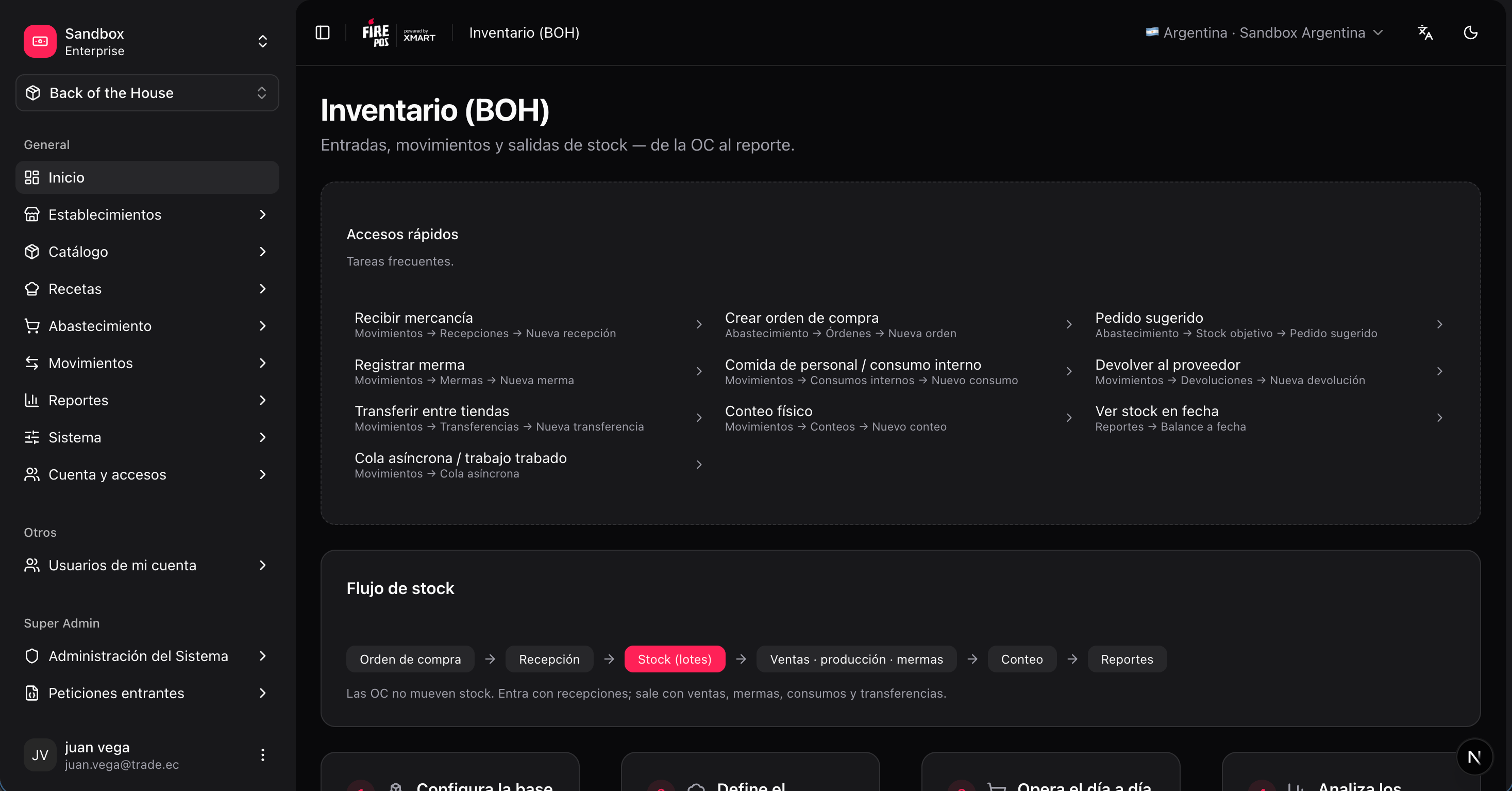
The stock flow
Every unit of stock in BOH follows the same cycle:- Purchase order (optional) — you plan a purchase with a supplier. This does not move stock.
- Goods receipt — merchandise arrives and stock enters inventory, creating lots.
- Stock goes out — through sales (via recipes), production batches, waste, internal consumption, supplier returns, or transfers to another store.
- Stock counts — you physically count and the system adjusts the theoretical balance.
- Reports — usage, waste, yield, and historical balances summarize everything above.
Most movement documents are processed asynchronously: after you confirm them, the system posts the stock movements within a few seconds. Each document shows its processing status, and lists have a tracking view if you need to follow it.
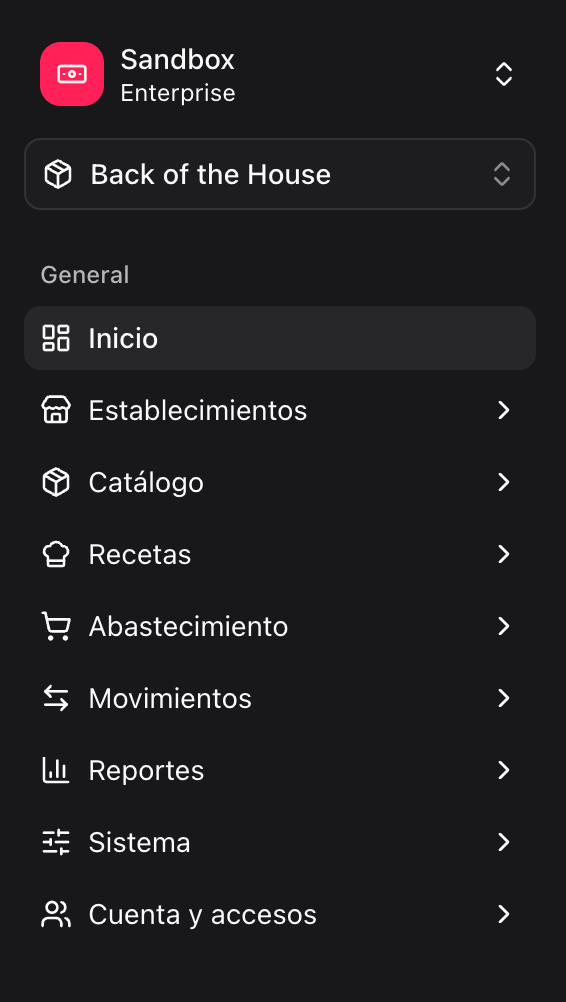
Map of the BOH menu
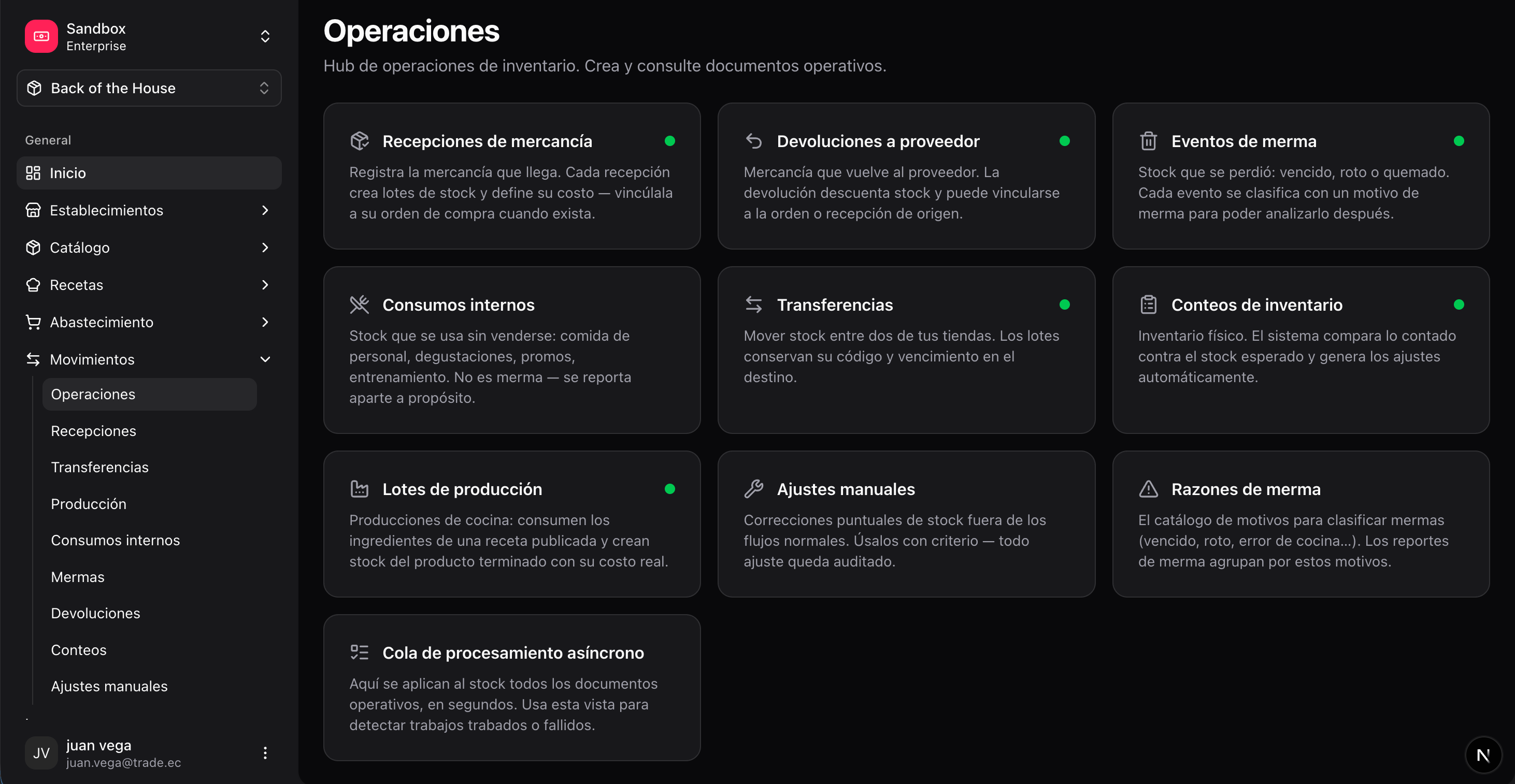
The Operations hub
The Movements section opens with an Operations hub (/boh/admin/operations): a panel of cards with one entry per document type — receipts, supplier returns, waste, internal consumption, transfers, counts, production, manual adjustments — plus shortcuts to waste reasons and the async queue. Each card shows a health indicator based on recent processing, and the queue card displays how many documents are being processed at that moment. It is a convenient starting point for day-to-day operational work.
Support and technical tools
The BOH menu also includes tools intended for technical support and integrations. In normal day-to-day operation you do not need them:- Account & access — account settings (including the account currency), API keys, and webhooks for external systems that integrate with BOH.
- Manual adjustments (under Movements) — direct stock corrections outside the normal documents; use only under guidance from support.
- System — the async queue, the transaction inspector, and snapshot ops (under Reports): monitoring and diagnostic tools for the inventory engine.