

Important fields
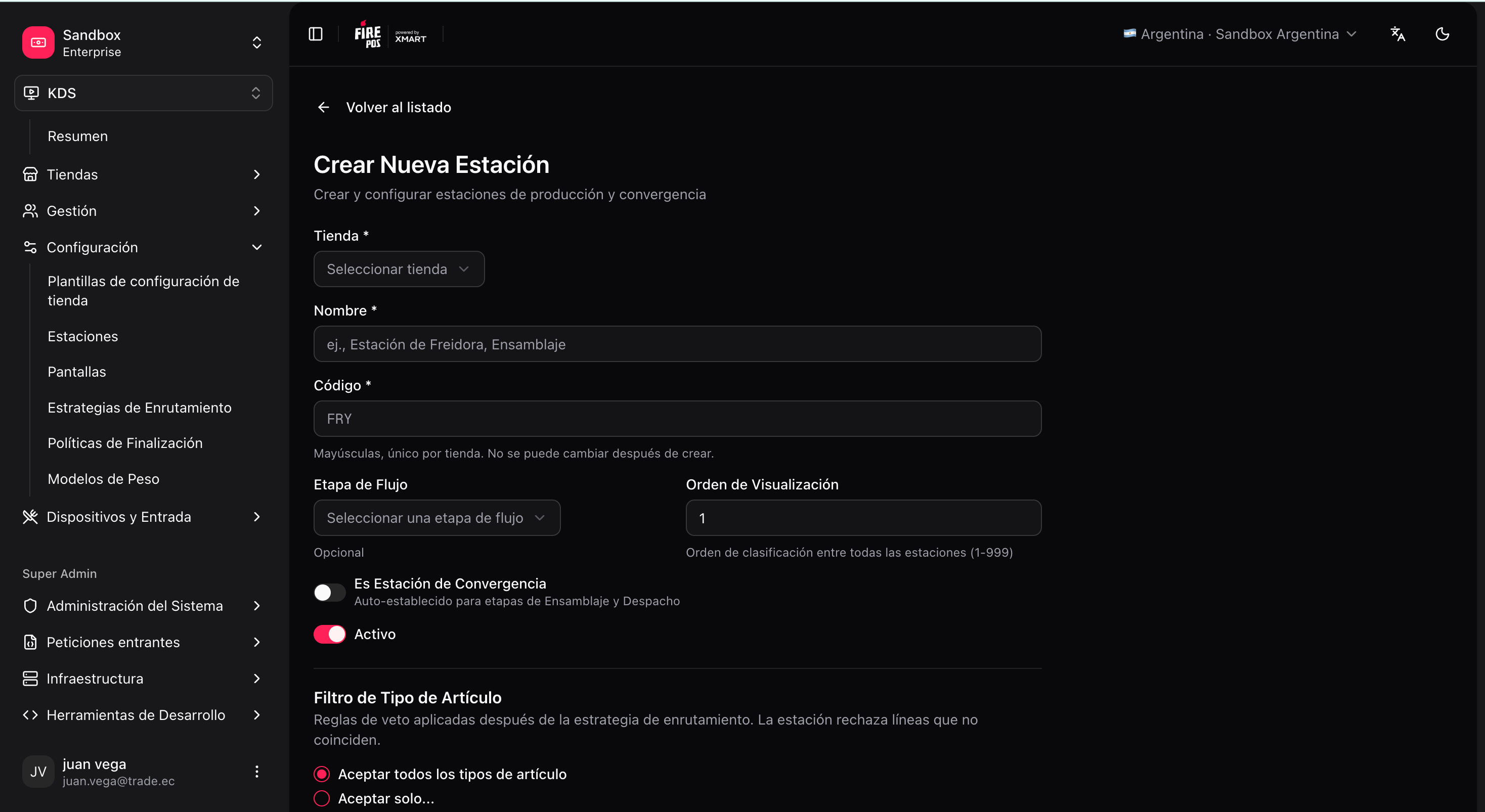
Station rules (optional)
By default, each station accepts every line that routing assigns to it. Rules are extra “veto” filters that narrow which tickets that station shows:- Channel and fulfillment codes must match the values the order carries (e.g.
POS,KIOSK,DINE_IN,TAKEOUT). If the store is linked to Restaurant OS, the backoffice can suggest tags from the store’s effective config. - Item types no longer live on the station. Saving a station clears legacy
item_types/exclude_item_types. Which products hit the grill is decided only in Routing and Station categories.
- Production: filter channels (e.g. hide delivery from the hot line).
- Assembly / Dispatch: most useful to filter by channel or service type (e.g. one dispatch only for
DELIVERY, another for the counter). Here you do not define which items arrive — production already resolved that; here you define which orders that expo or dispatch station sees.
You do not need to touch rules in an initial single-station default setup.
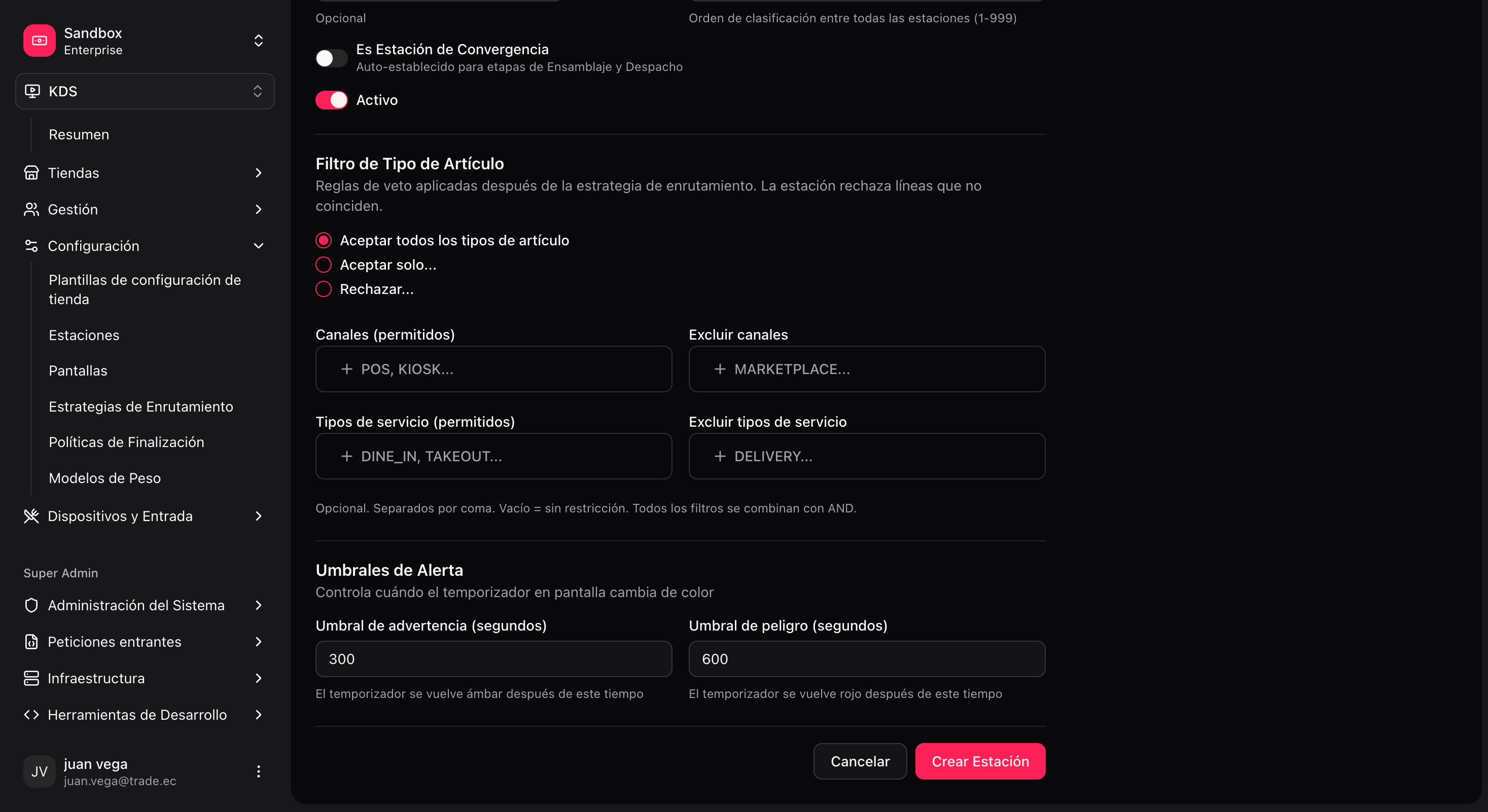
Create a station
1
Open the station form
KDS → Stations → Create (
/kds/admin/stations/new).2
Choose the store
3
Define code and name
For example, code
GRILL, name “Grill”.4
Pick the workflow stage
For example,
PRODUCTION for the hot line.5
Adjust rules and timer if needed
6
Save
item_type codes and product thumbs live on Station categories. Stations consume those codes in rules and routing; do not recreate the catalog here.
Next: Screens.