

/boh/admin/operations/waste-events) and Internal consumption (/boh/admin/operations/internal-consumptions). The Waste reasons catalog lives under Catalog → Waste reasons (/boh/admin/operations/waste-reasons).
Waste reasons
Before registering waste, define the catalog of reasons: expiry, preparation error, breakage, spoilage… Each reason has a code, a name, and whether it is considered controllable (caused by operation) or not — a distinction that later makes waste reports actionable.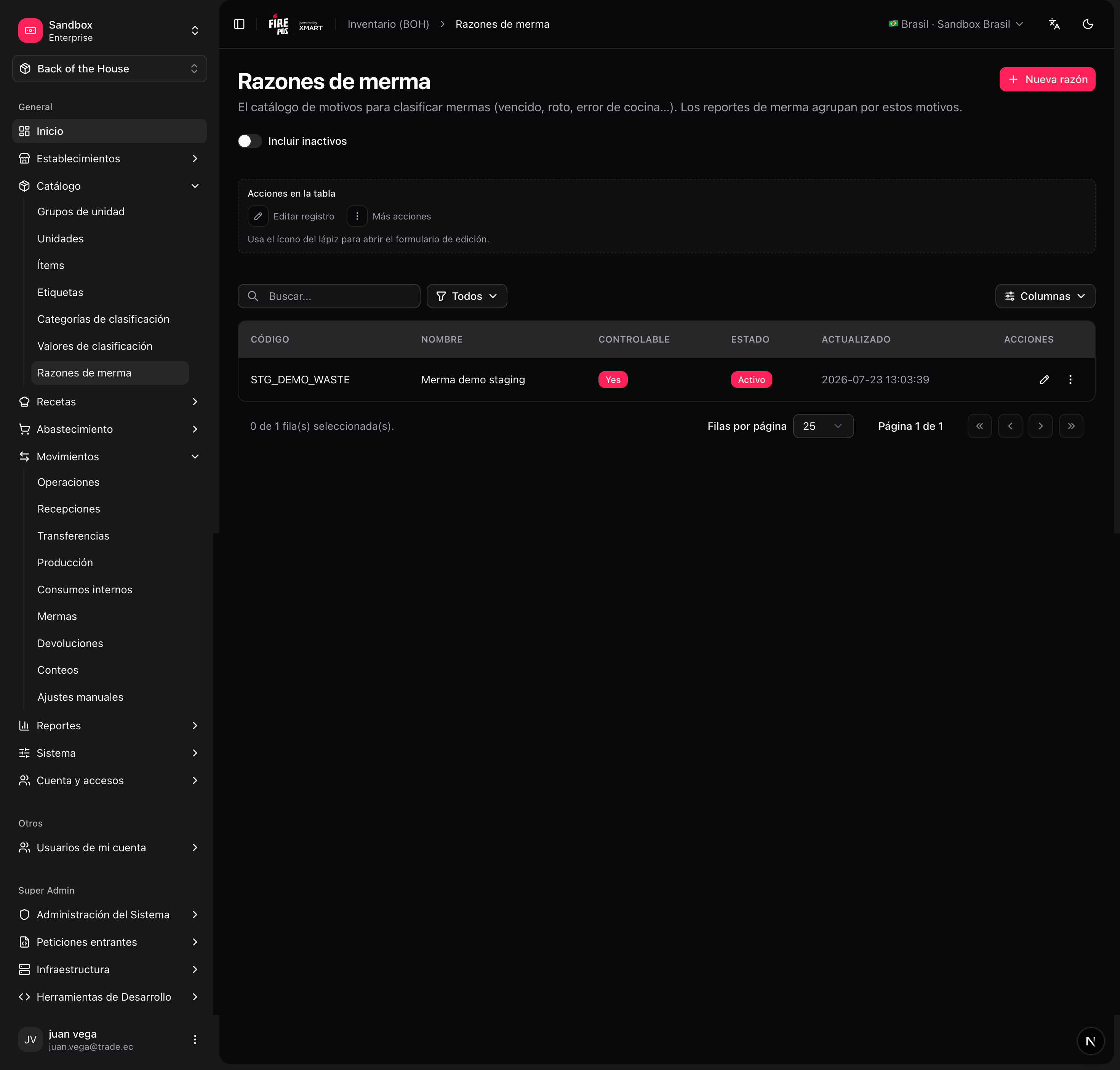
/boh/admin/operations/waste-reasons/new).
Register a waste event
1
Open the waste form
Movements → Waste events → Create (
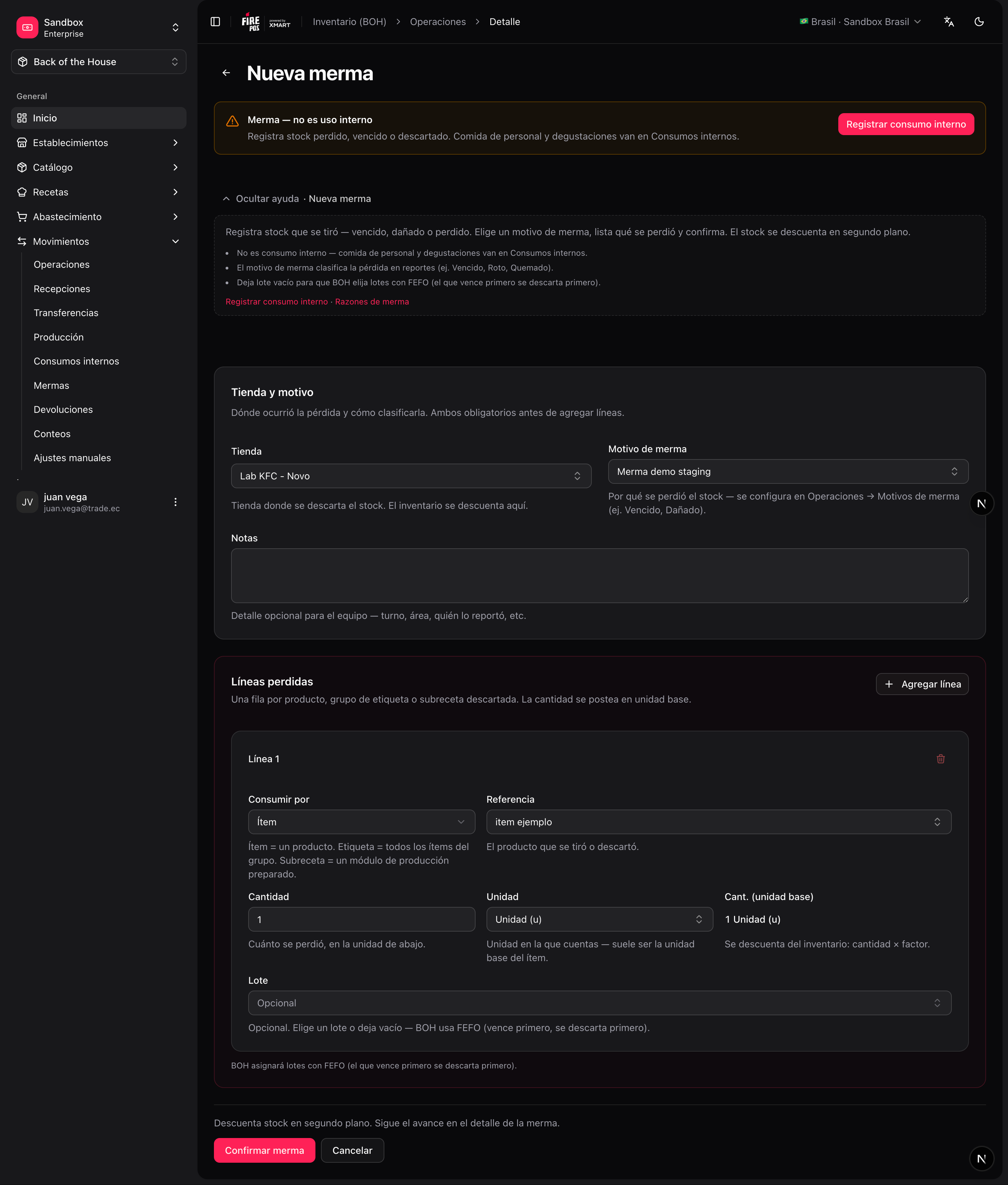
/boh/admin/operations/waste-events/new).2
Pick the store
3
Enter the lines
Item, quantity, unit — and the reason, which is required on every line.
4
Confirm
Stock is deducted from the closest-to-expiry lots first, unless you point at a specific lot.
Internal consumption
Internal consumption works like waste but without a reason catalog: it represents legitimate non-sale usage such as employee meals or kitchen tests.1
Open the form
Movements → Internal consumption → Create (
/boh/admin/operations/internal-consumptions/new).2
Pick the store and enter the lines
Item, quantity, and unit per line.
3
Confirm
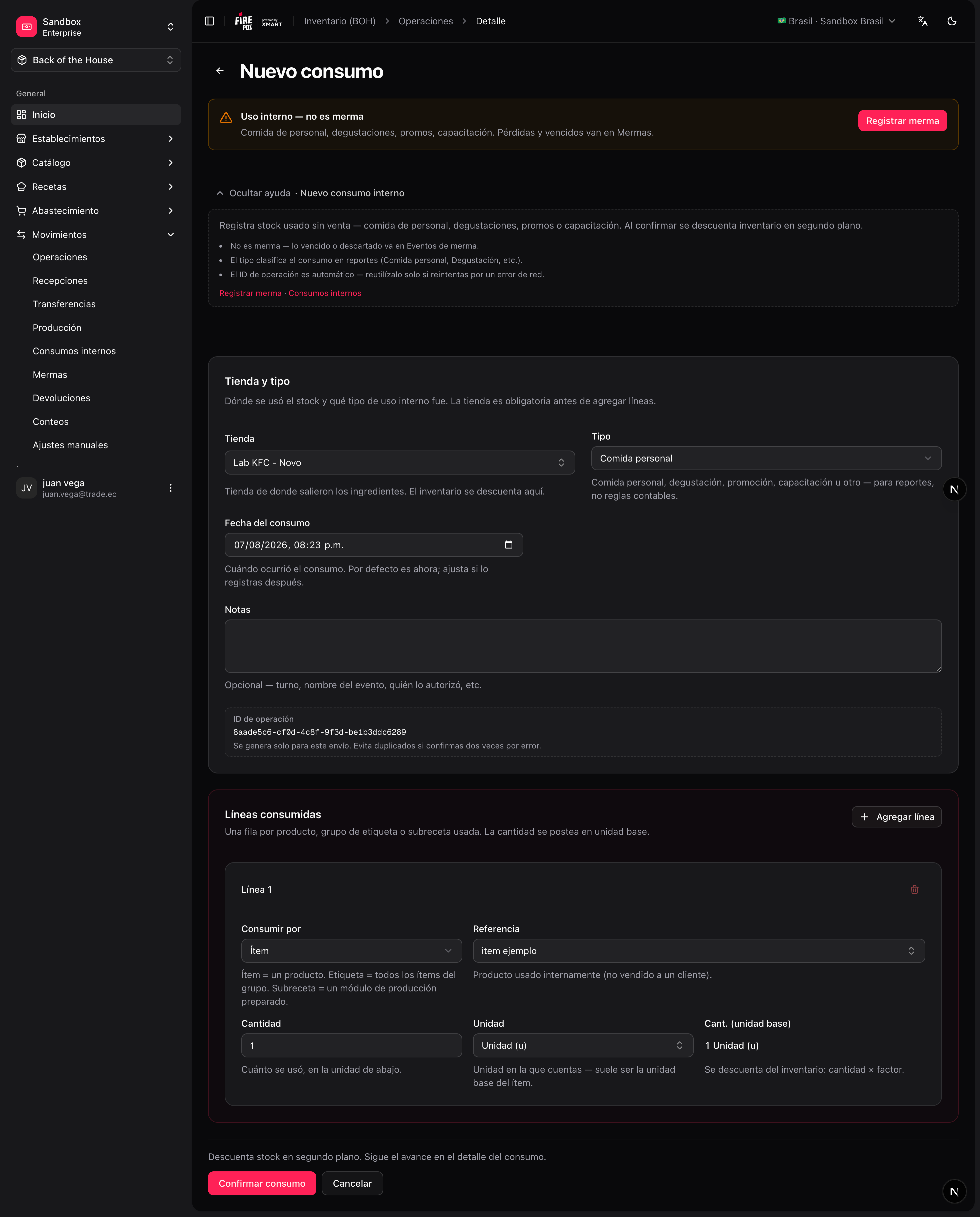
Both documents can be cancelled from their detail page if recorded by mistake — BOH posts the opposite movements to restore the stock.