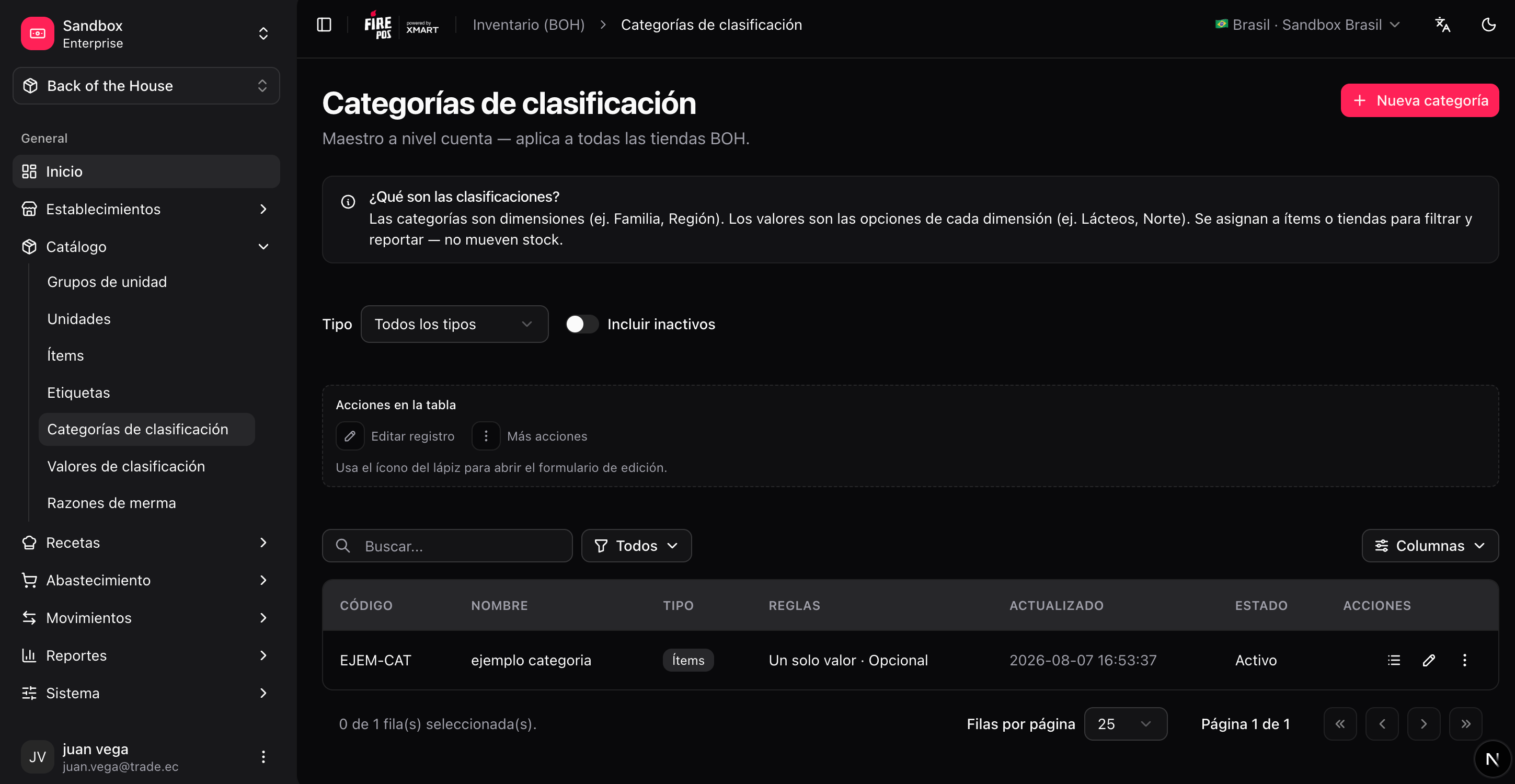
Account currency
Each BOH account has a default currency used in procurement costs, supplier item prices, and reports. Set it in Account & access → Account settings (/boh/admin/me).
BOH uses the ISO 4217 currency catalog (USD, ARS, COP, BRL, CLP, PEN…). The currency you choose is stored on the account and applied automatically to all financial fields — you do not need to specify it per document.
Units and unit groups
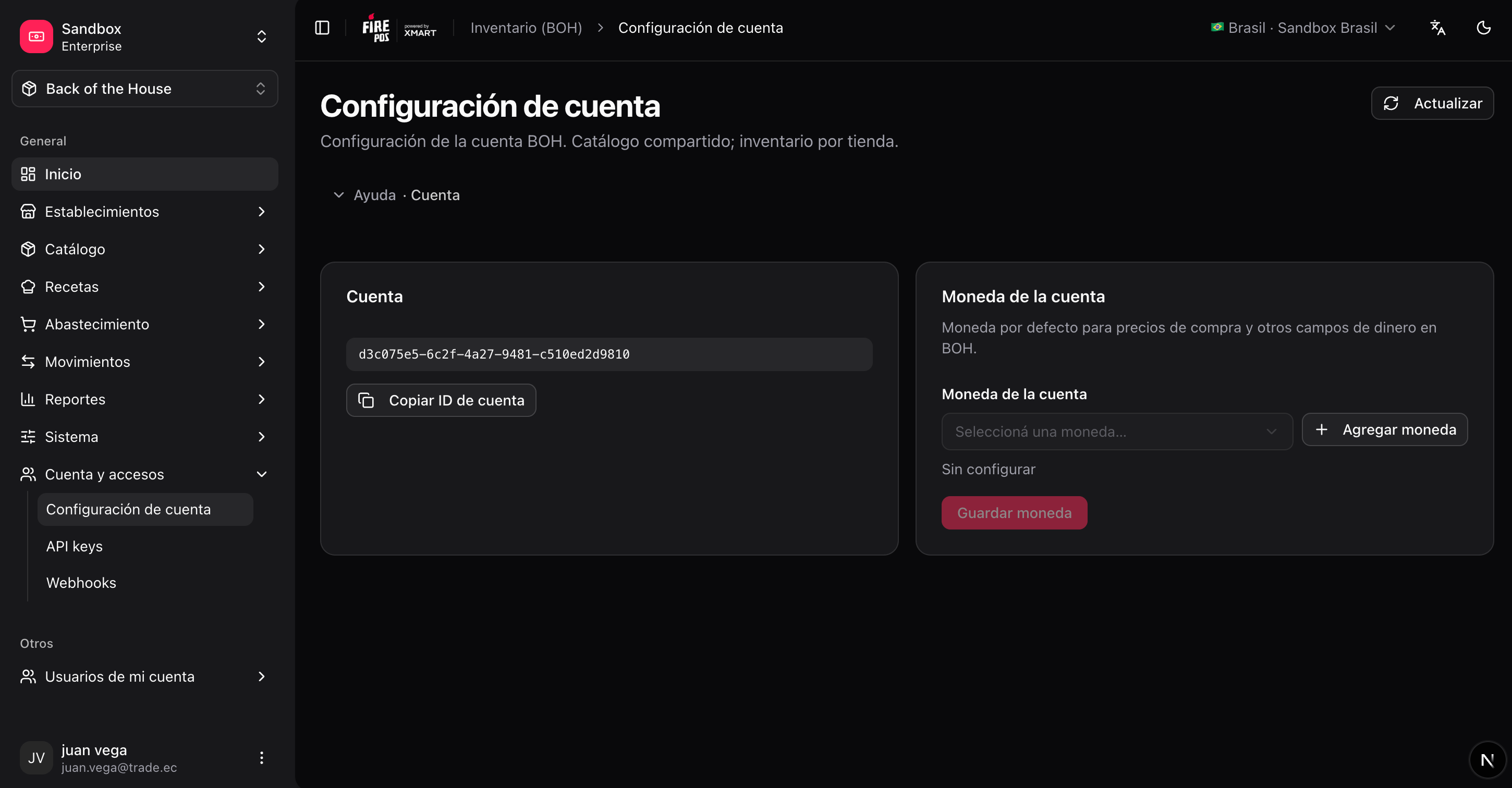
Units are organized in unit groups by what they measure:
Each unit has a conversion factor to the base unit of its group (e.g. 1 kg = 1000 g). BOH always stores quantities in the base unit internally, so you can record a receipt in kilograms and a recipe in grams without inconsistencies.
Conversions only work within a group. You cannot convert liters to kilograms — if you need both views of the same item, choose the unit the kitchen actually measures in.
/boh/admin/units/new), pick the group, the name, and the factor to the group’s base unit. Unit groups themselves are listed under Catalog → Unit groups (/boh/admin/unit-groups).
Items
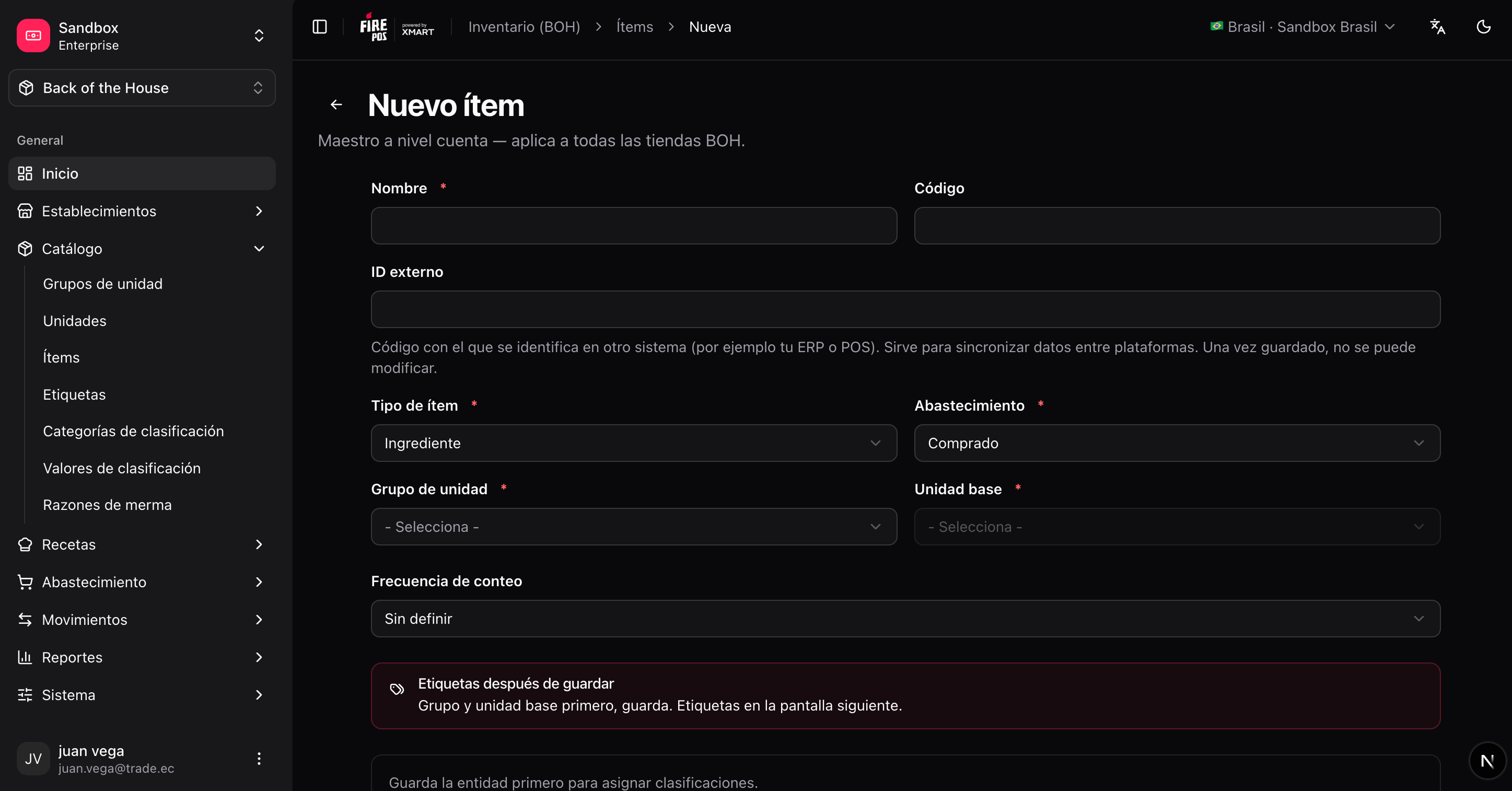
An item is a physical supply you track: an ingredient, a packaging material, a cleaning product. Key fields: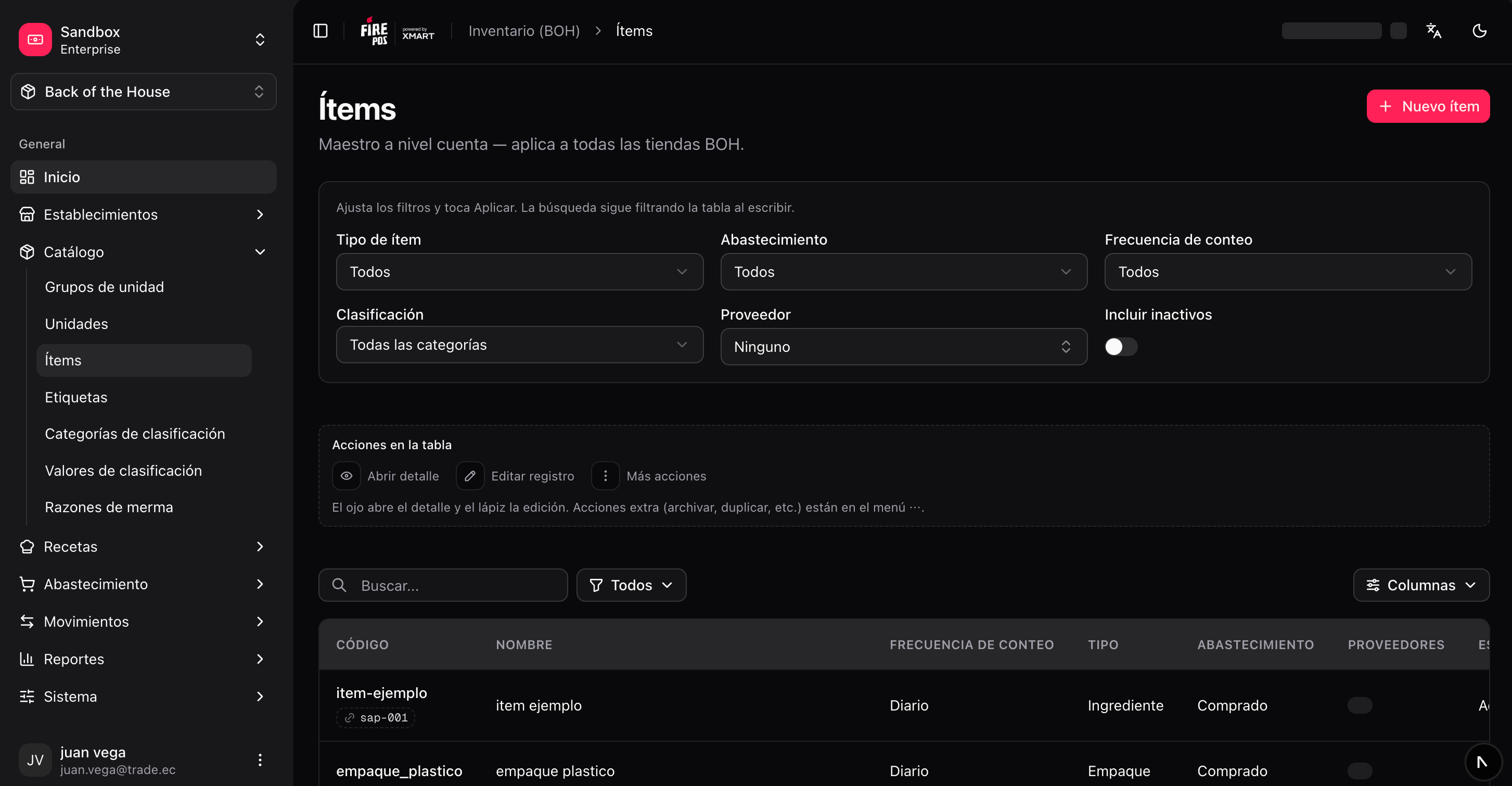
Create an item
1
Open the item form
Catalog → Items → Create (
/boh/admin/items/new).2
Name it and pick the type
3
Choose the base unit
Pick the smallest unit you will realistically measure in (grams rather than kilograms, milliliters rather than liters). Reports can always display larger units.
4
Enable inventory tracking and procurement as needed
5
Save
Item tags — interchangeable items
An item tag groups items that are interchangeable in recipes: for example, aTOMATO tag containing every tomato brand you buy. Recipes can then consume “any TOMATO” instead of a specific brand.
When stock is consumed through a tag, BOH picks which member item (and which lot) to use according to the tag’s selection strategy:
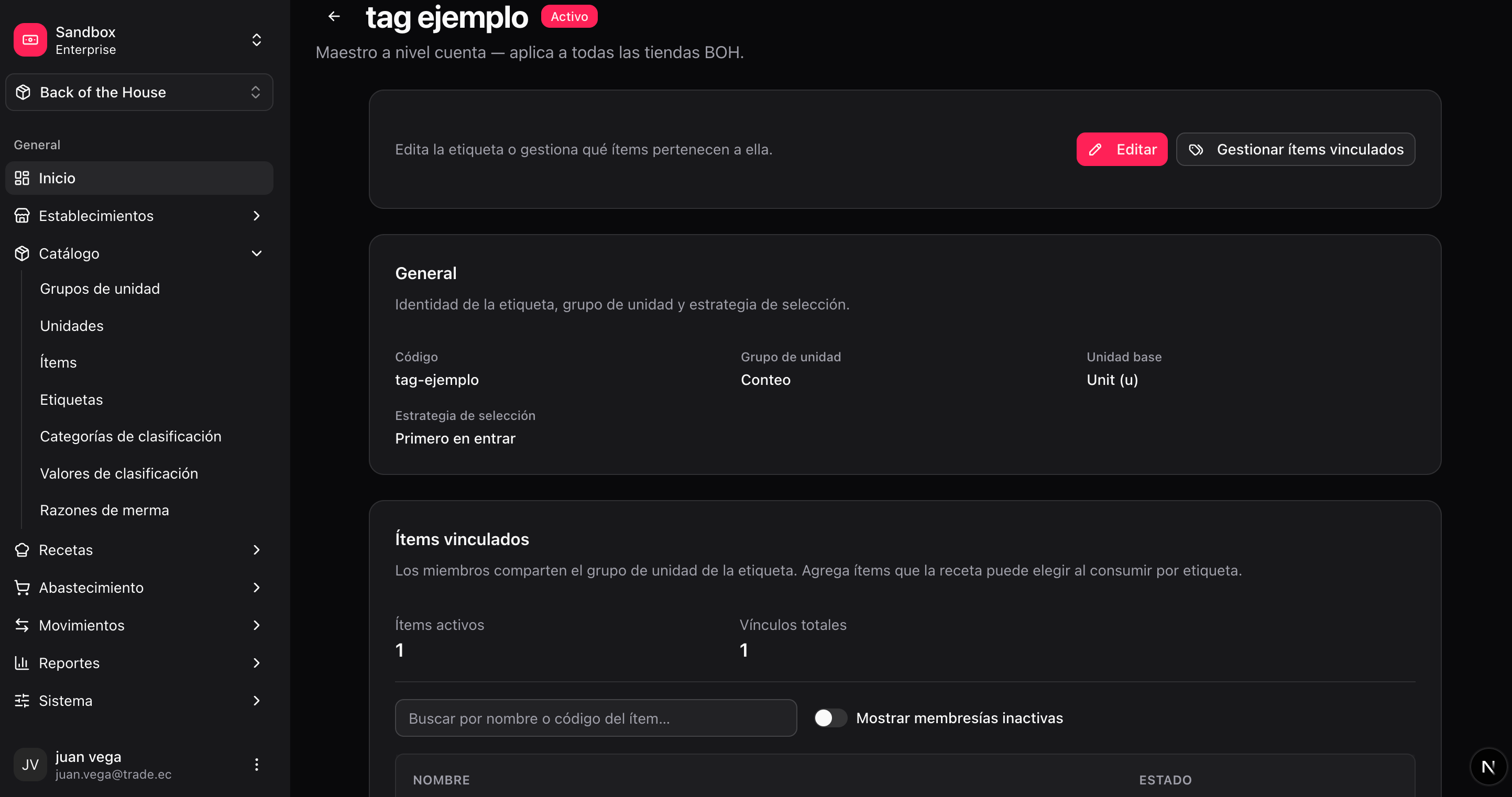
/boh/admin/item-tags). Create the tag, then add member items from Memberships.
Classifications
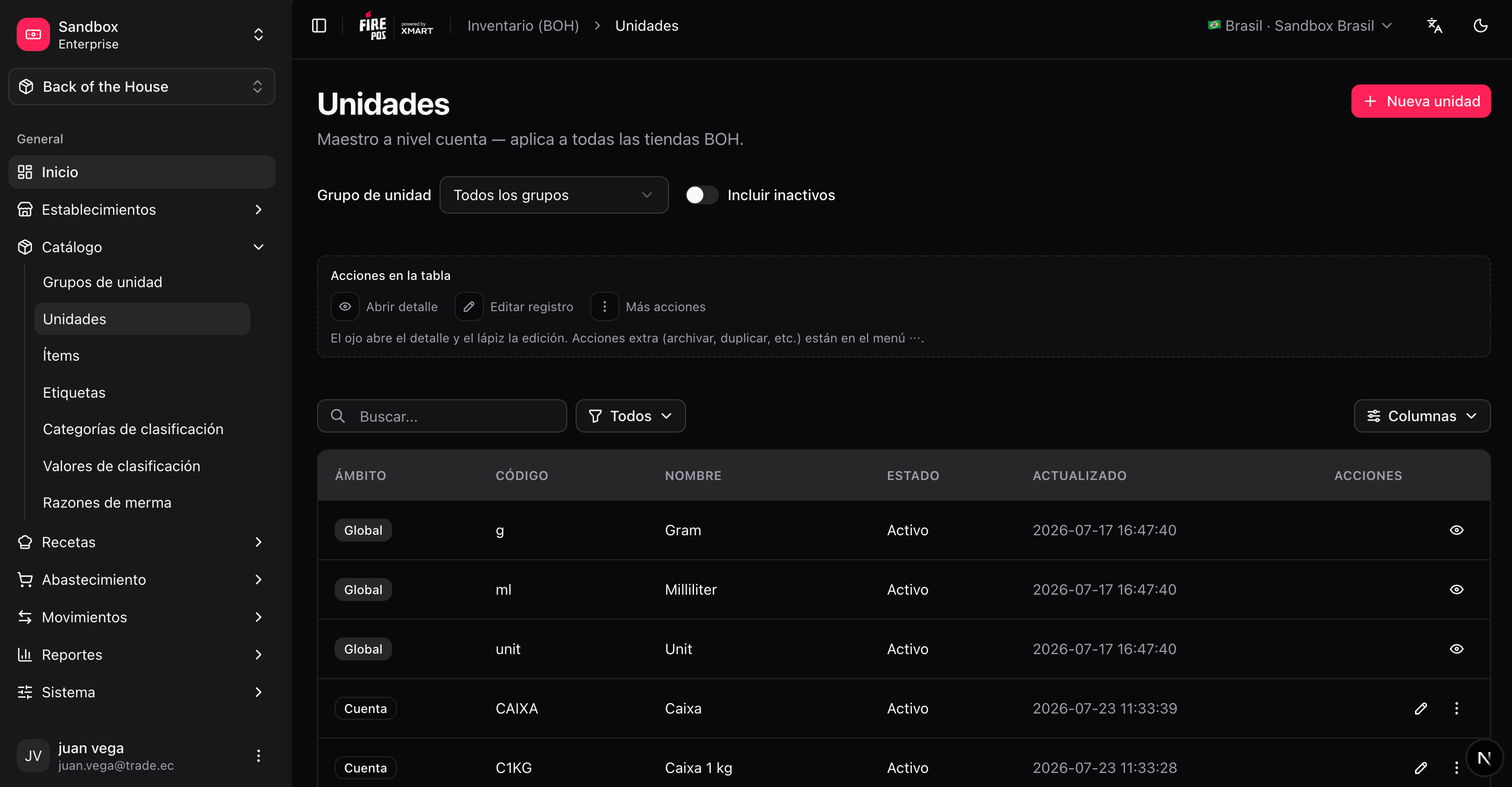
Classifications are your own labels for organizing the catalog: a set of categories (e.g. “Storage area”, “Product family”) each with its values (e.g. “Freezer”, “Dry storage”). You assign values to items and later filter lists and reports by them. Manage them in Catalog → Classifications — Categories (/boh/admin/classifications/categories) and Values (/boh/admin/classifications/values).