/boh/admin/stores), Suppliers (/boh/admin/suppliers), and Inventory areas (/boh/admin/operations/inventory-areas, covered in Stock counts).
Stores
A BOH store represents the inventory of a physical location. It is always linked to a Restaurant OS store, which is how sales orders find the right inventory to consume.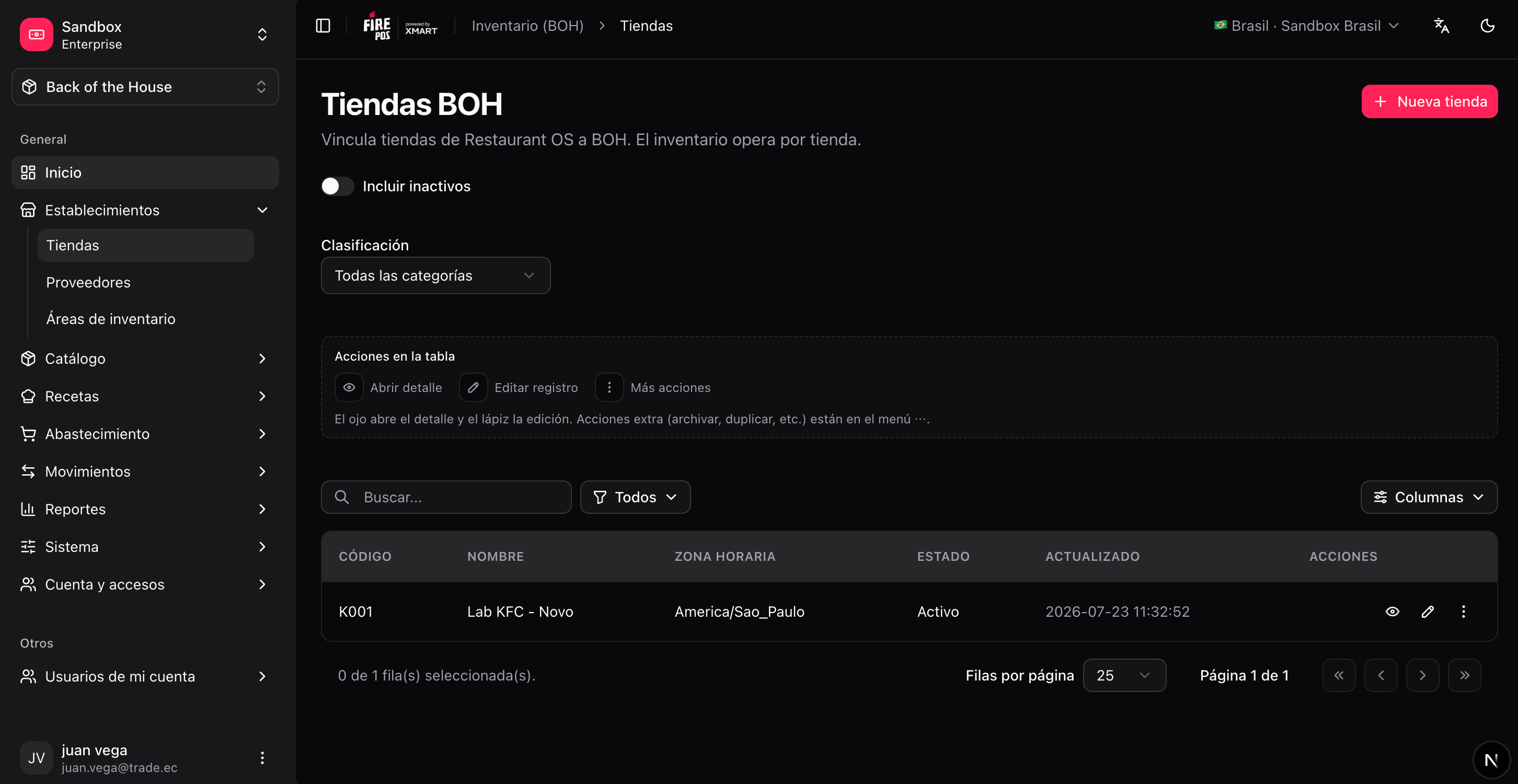
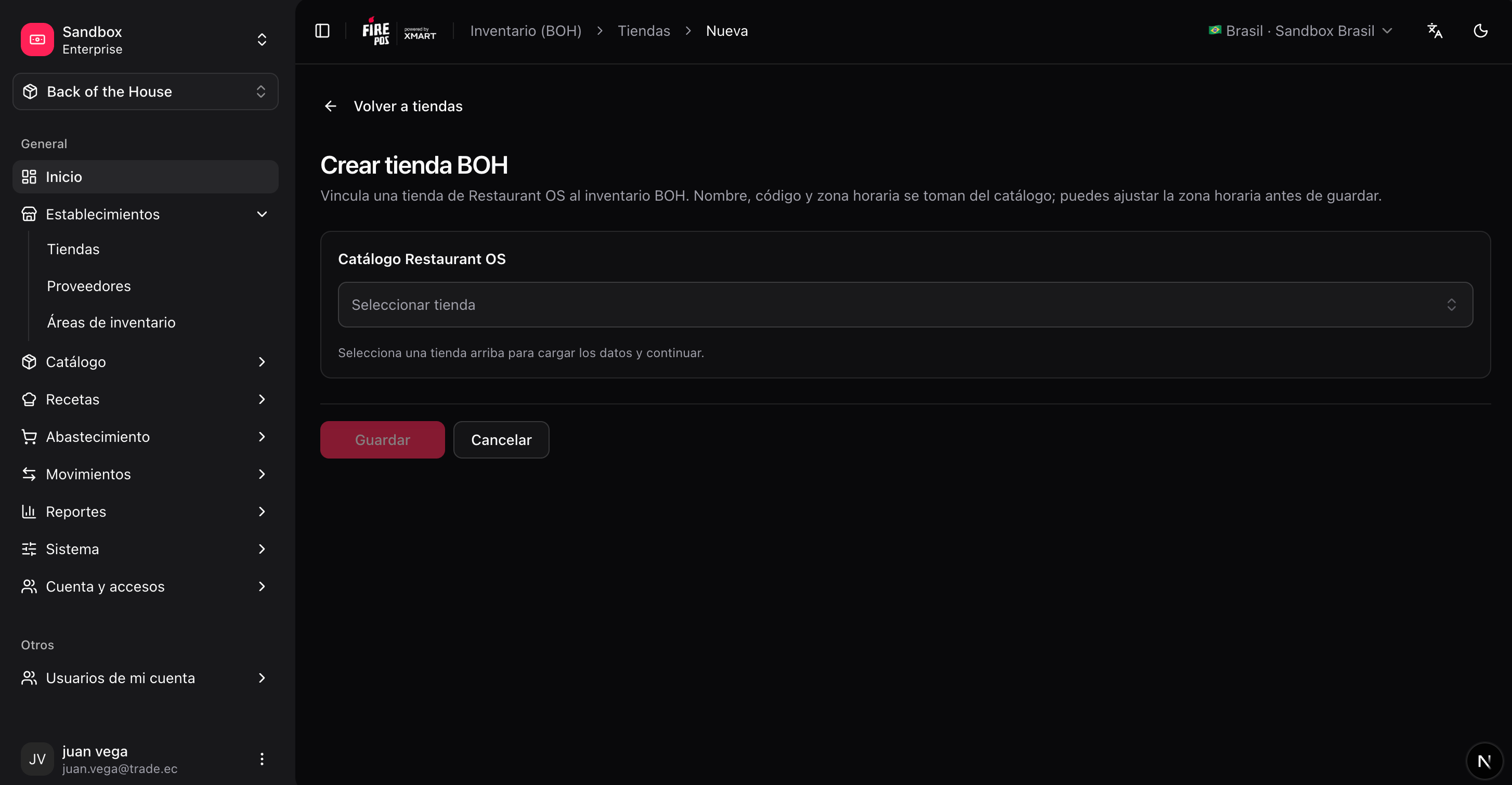
Create a store
1
Open the store form
BOH → Stores → Create (
/boh/admin/stores/new).2
Pick the Restaurant OS store
Choose the store from the account catalog. The link cannot point two BOH stores to the same Restaurant OS store.
3
Review the timezone
The timezone determines when daily reports and closes cut over. It usually comes from the linked store.
4
Save
/boh/admin/stores/{id}/view) you can also review the inventory areas defined for physical counts — see Stock counts.
Archiving a store hides it from day-to-day screens but keeps its history. You cannot record new movements in an archived store.
ERP integration —
tax_id field: If you create purchase orders through the BOH API from an ERP system, you can set a tax_id on each store (RUC, CNPJ, CUIT, NIT, RFC, or any fiscal code up to 64 characters). This lets the ERP reference a store by its fiscal identifier when creating orders — no internal UUID needed. Set it via POST /identity/stores or PATCH /identity/stores/{id}. Note: the field is not unique, so if several stores share the same tax_id you will need to use store_id or external_store_id instead for order creation.Suppliers
A supplier is any vendor you buy supplies from. The record keeps contact information and the tax ID used in purchasing documents.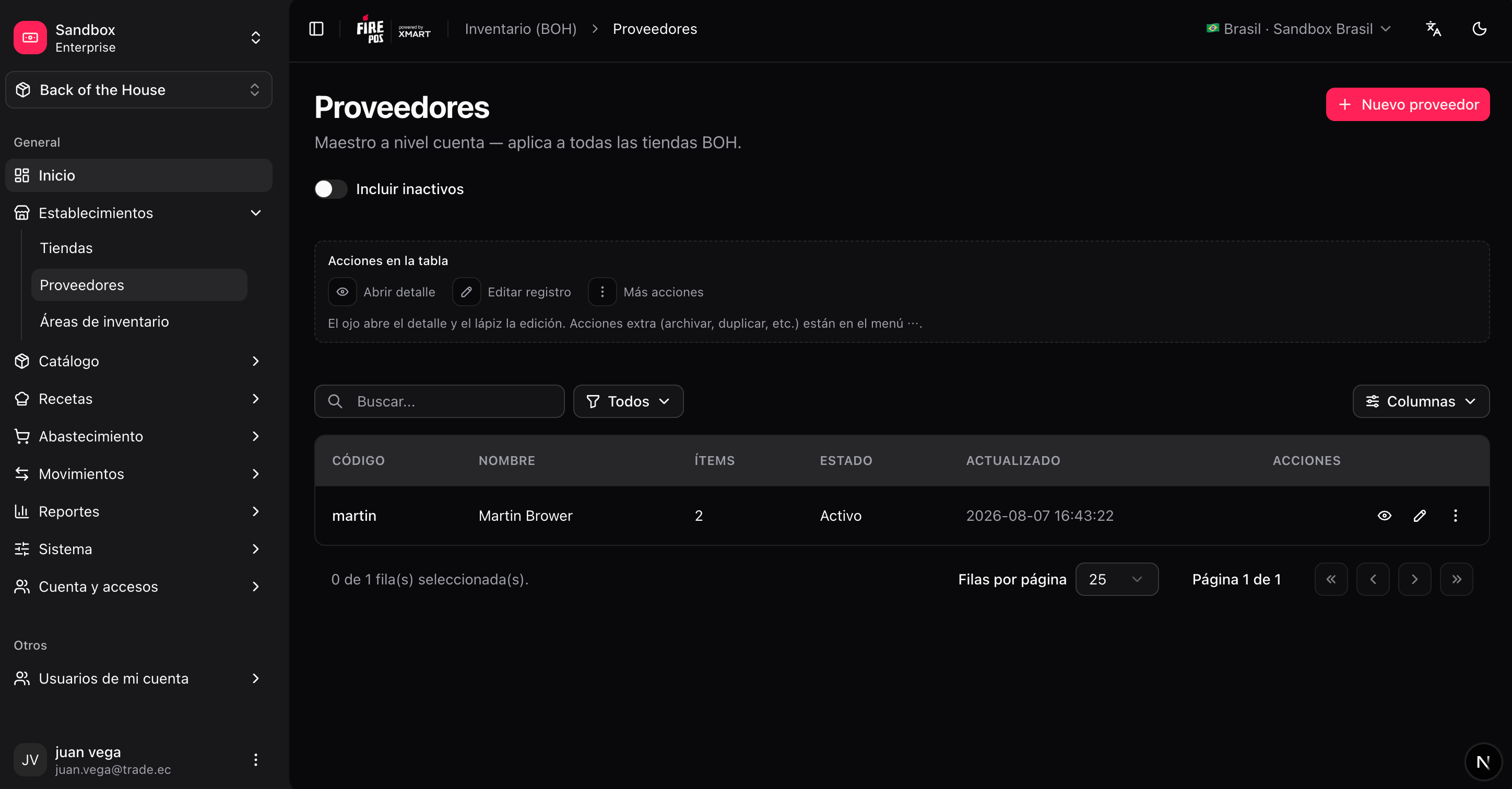
Create a supplier
1
Open the supplier form
BOH → Suppliers → Create (
/boh/admin/suppliers/new).2
Fill in the basics
Name, contact details, and tax ID.
3
Save
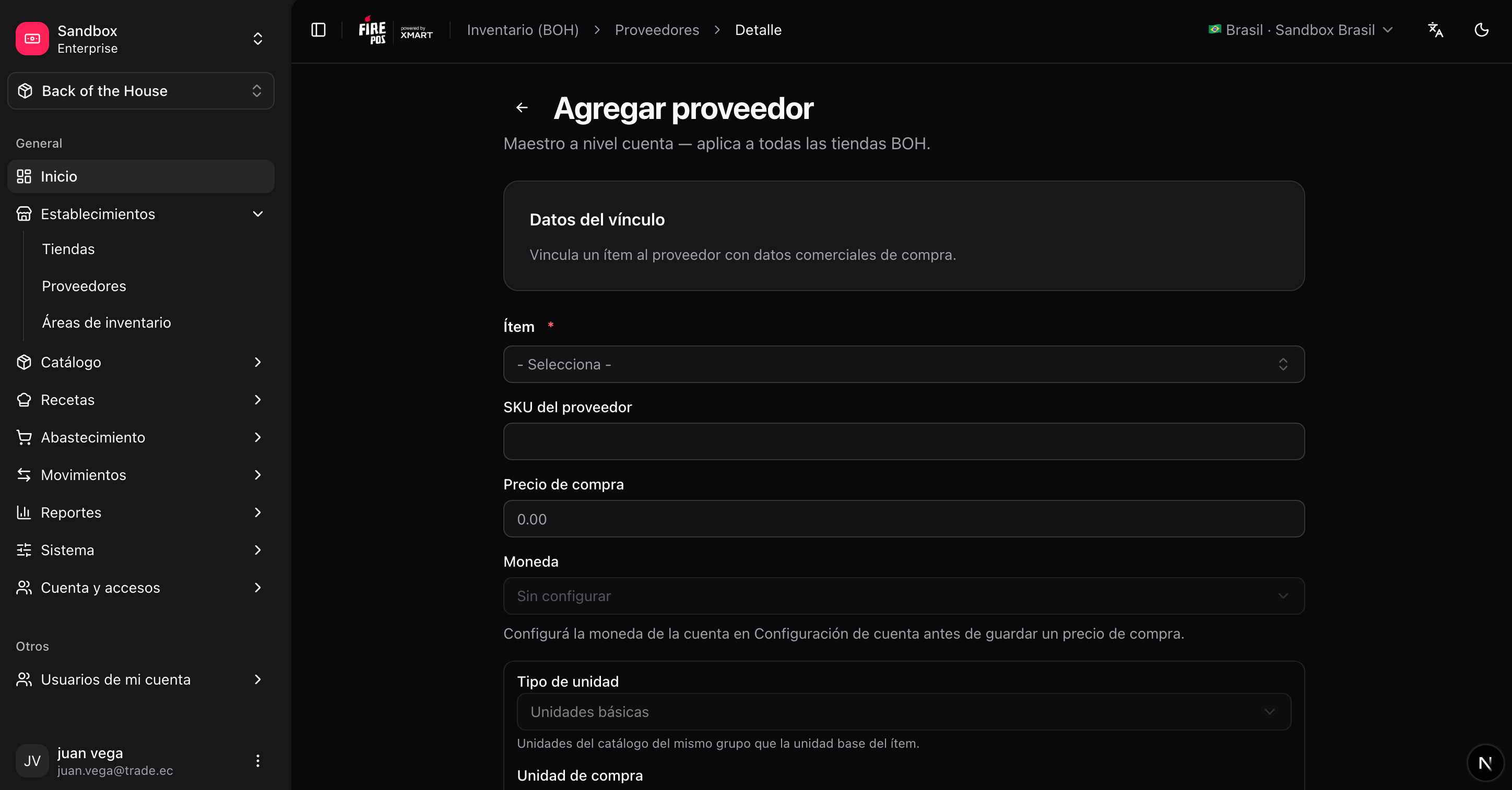
Item-supplier links
The most useful part of a supplier record is the list of items you buy from them, with the purchasing conditions for each one:
You can manage links from either side:
- From the supplier: Suppliers → (supplier) → Items (
/boh/admin/suppliers/{id}/items). - From the item: Items → (item) → Suppliers (
/boh/admin/items/{id}/suppliers).