

/boh/admin/reports).
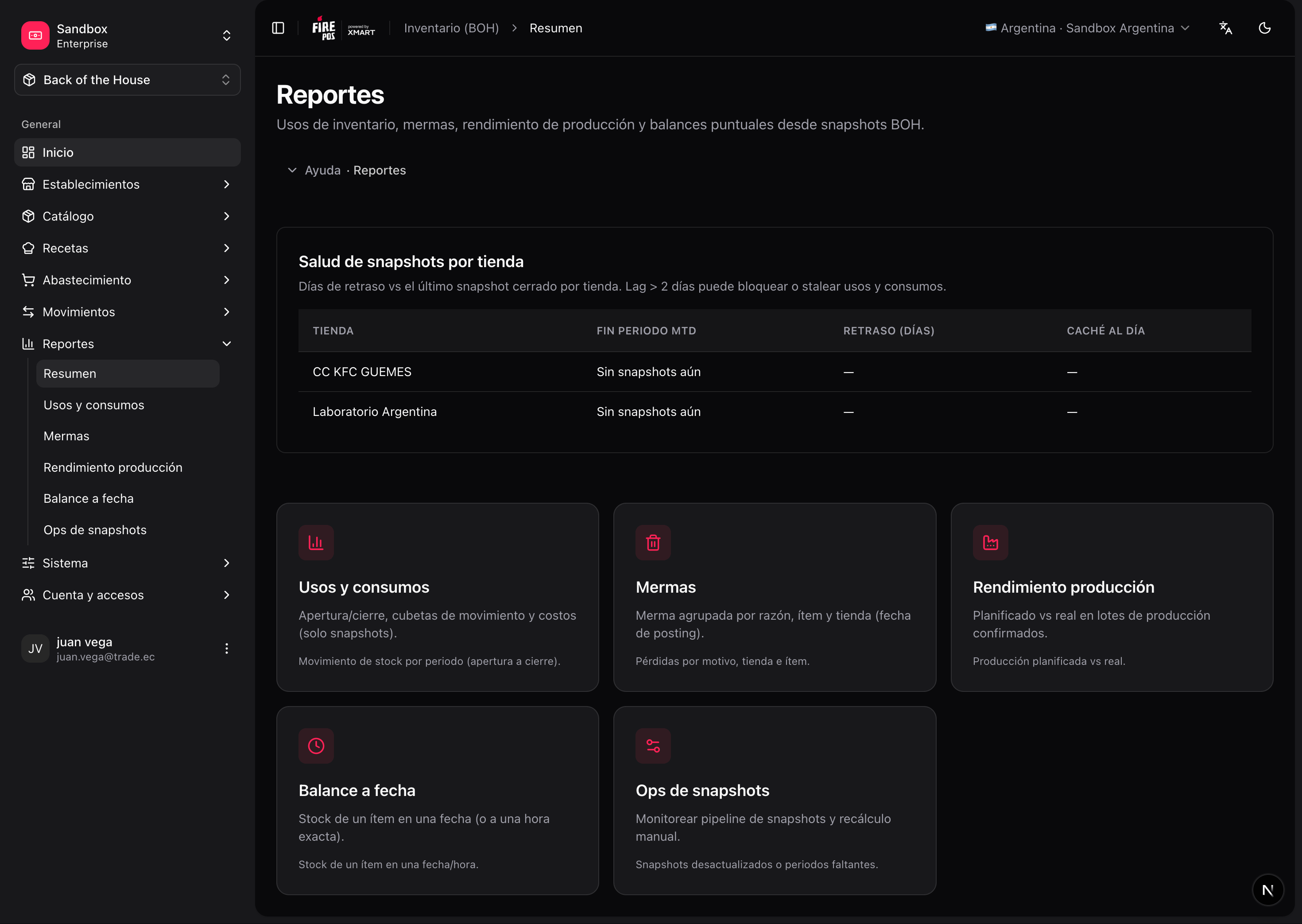
Usage and consumption
Shows how stock moved over a period, broken down by movement type: receipts, sales consumption, waste, transfers, adjustments, production… Use it to answer “where did my flour go this month?”. Reports → Usage (/boh/admin/reports/inventory/usage). Supports both fixed date ranges and rolling windows (last 7 days, last 30 days, month to date).
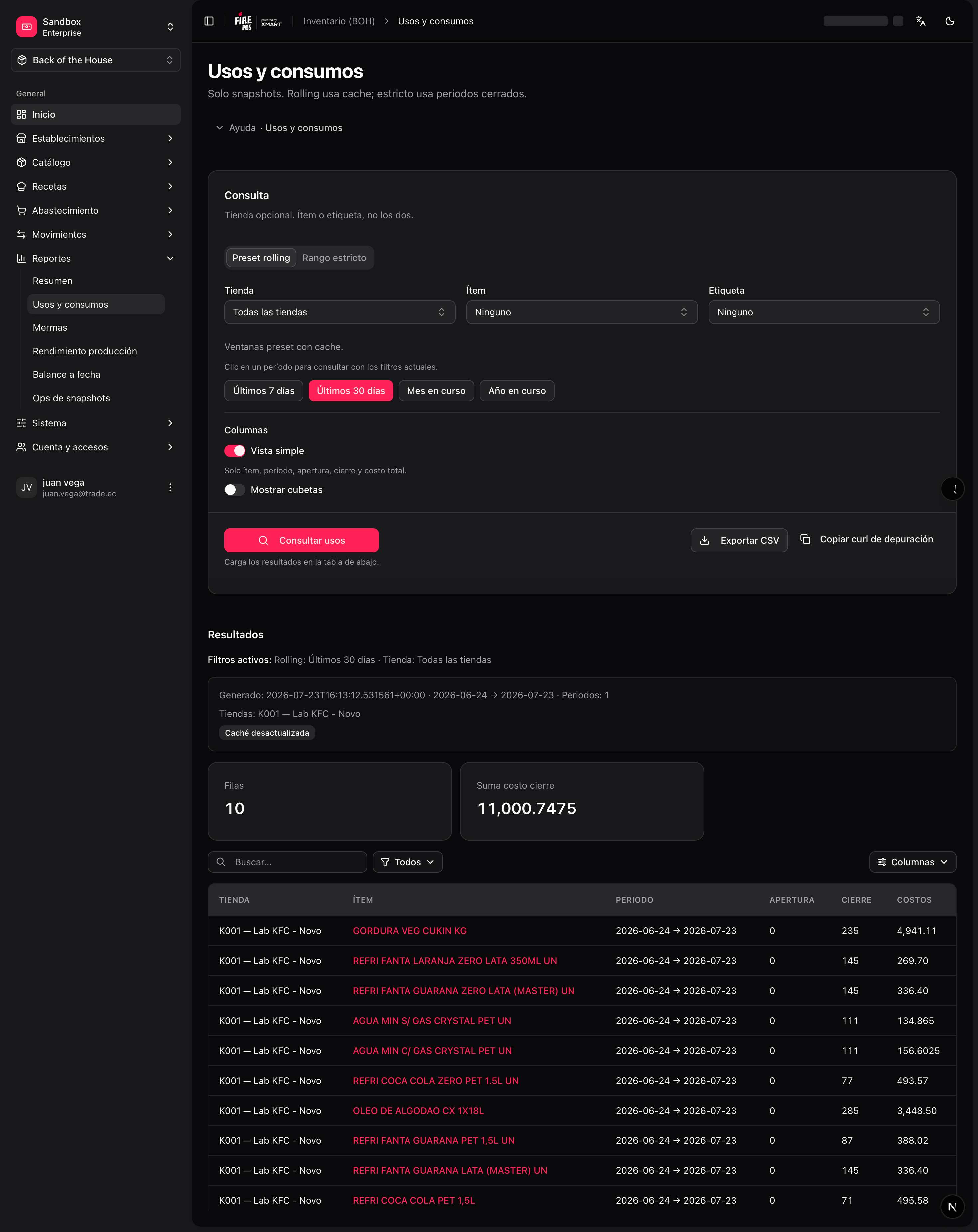
Waste
Aggregates waste events by store, item, and reason. The controllable/non-controllable split of reasons makes it easy to separate operational losses (preparation errors) from unavoidable ones (expiry of slow-moving items). Reports → Waste (/boh/admin/reports/inventory/waste).
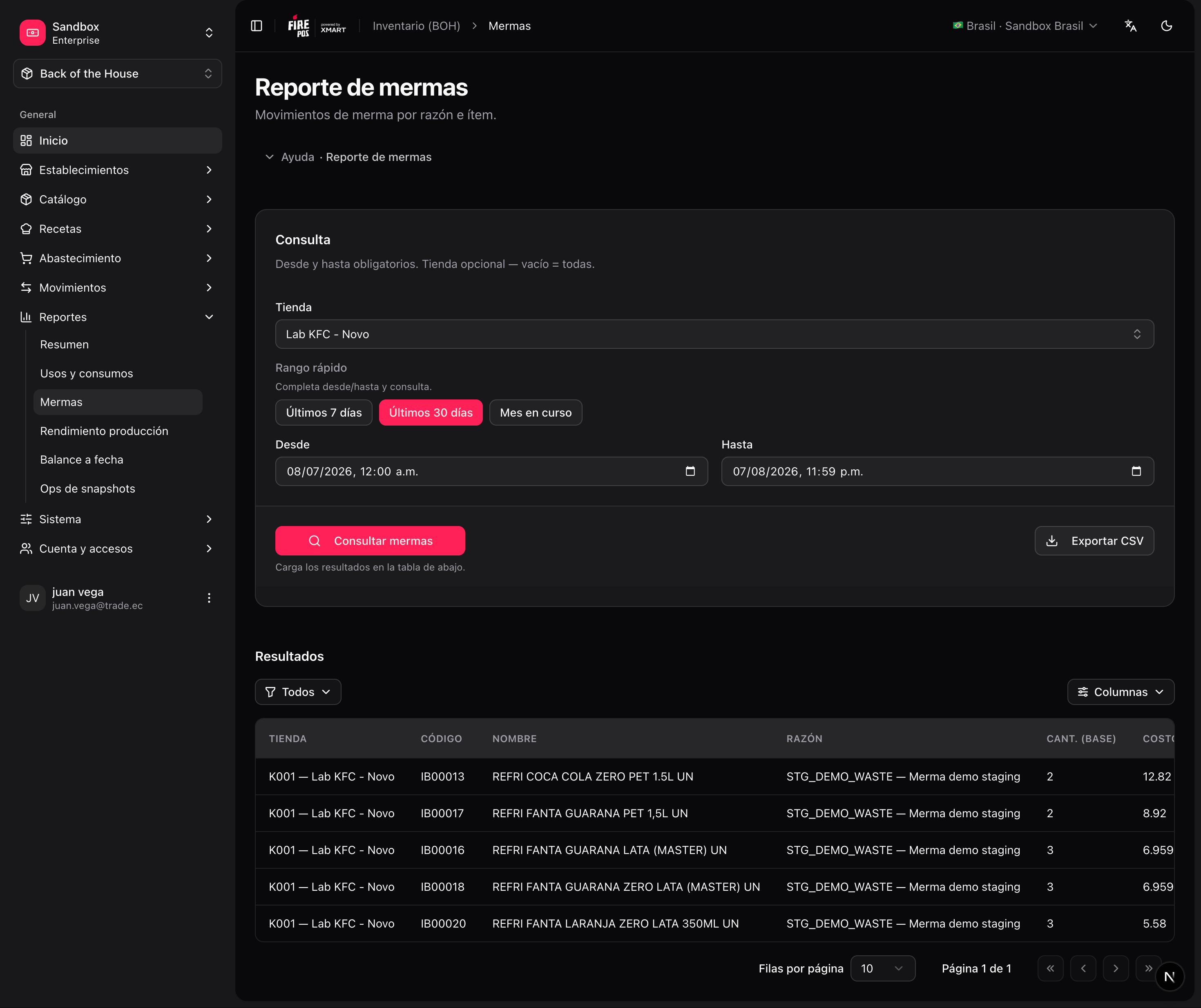
Production yield
Compares planned versus actual output of production batches. Consistently low yields point at recipes with optimistic quantities or at process losses. Reports → Production yield (/boh/admin/reports/inventory/yield).
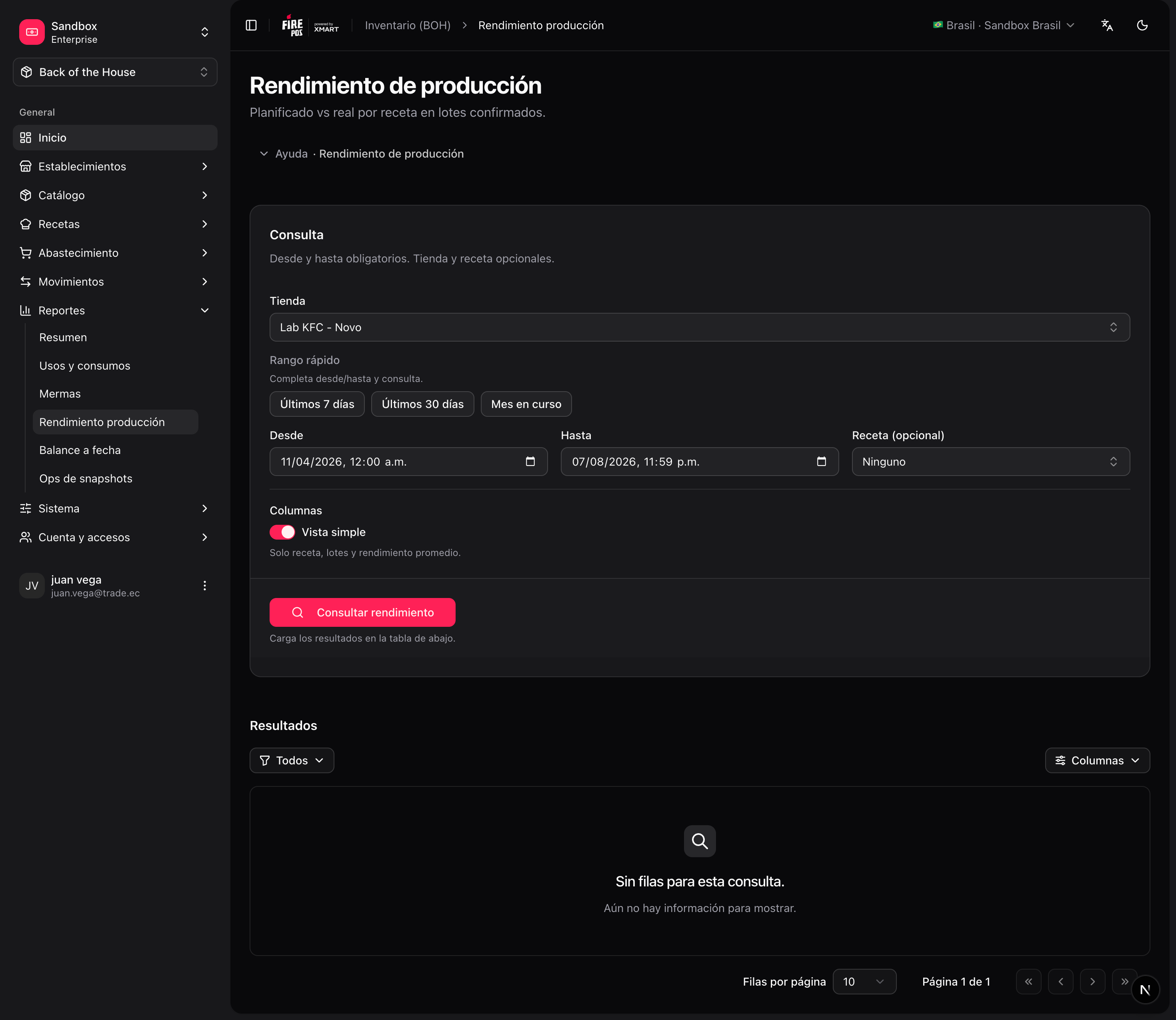
Balance at a date
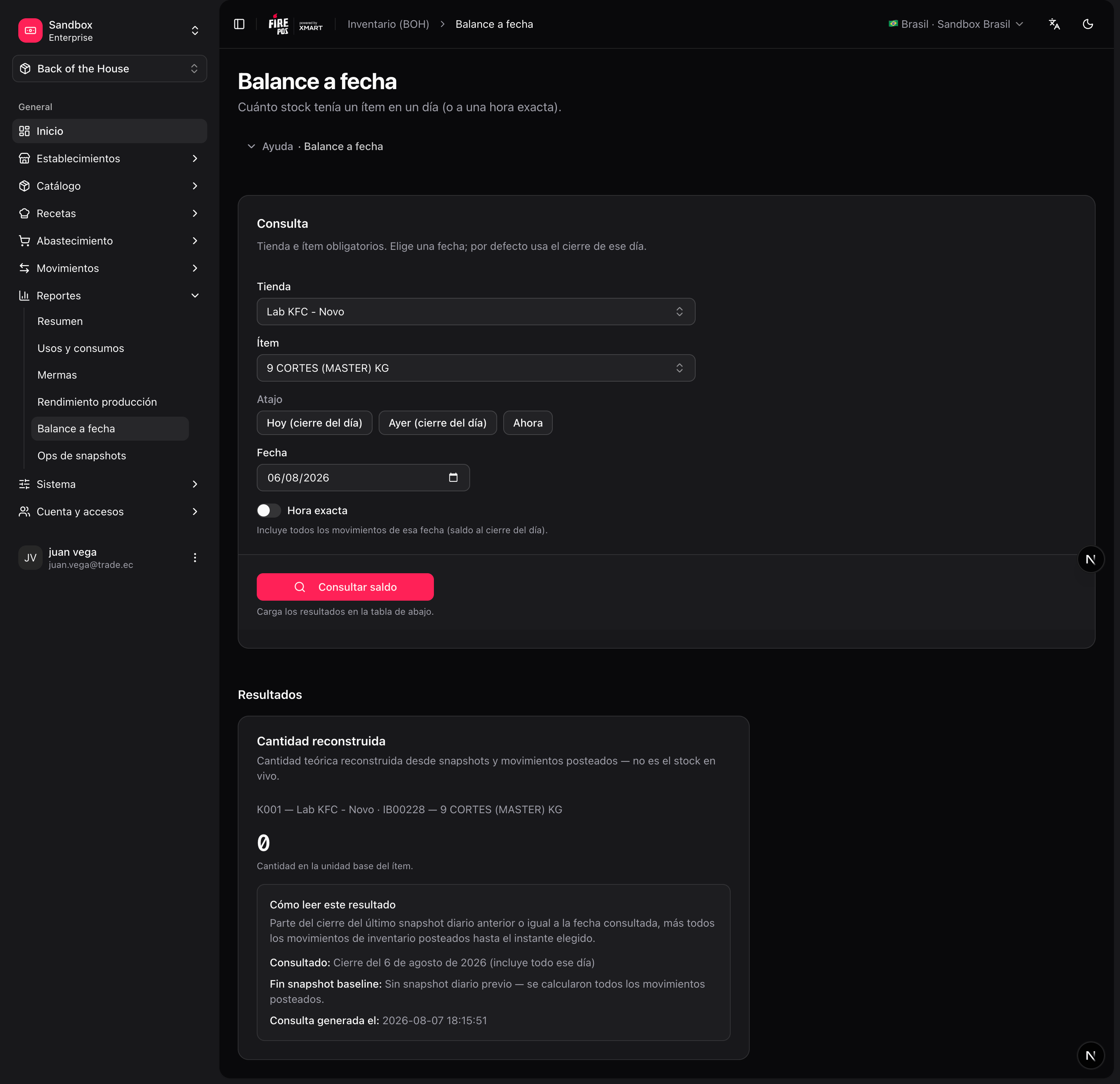
Reconstructs the stock of any item at a specific moment in the past — useful for audits and for investigating differences found in counts (“how much cheese did the system think we had last Sunday night?”). Reports → Balance at date (/boh/admin/reports/inventory/at).
Reports are built from period snapshots that the system generates automatically. Very recent movements (last few minutes) may take a moment to be reflected.
With reports you close the BOH cycle: catalog describes the stock, documents move it, counts correct it, and reports explain it.