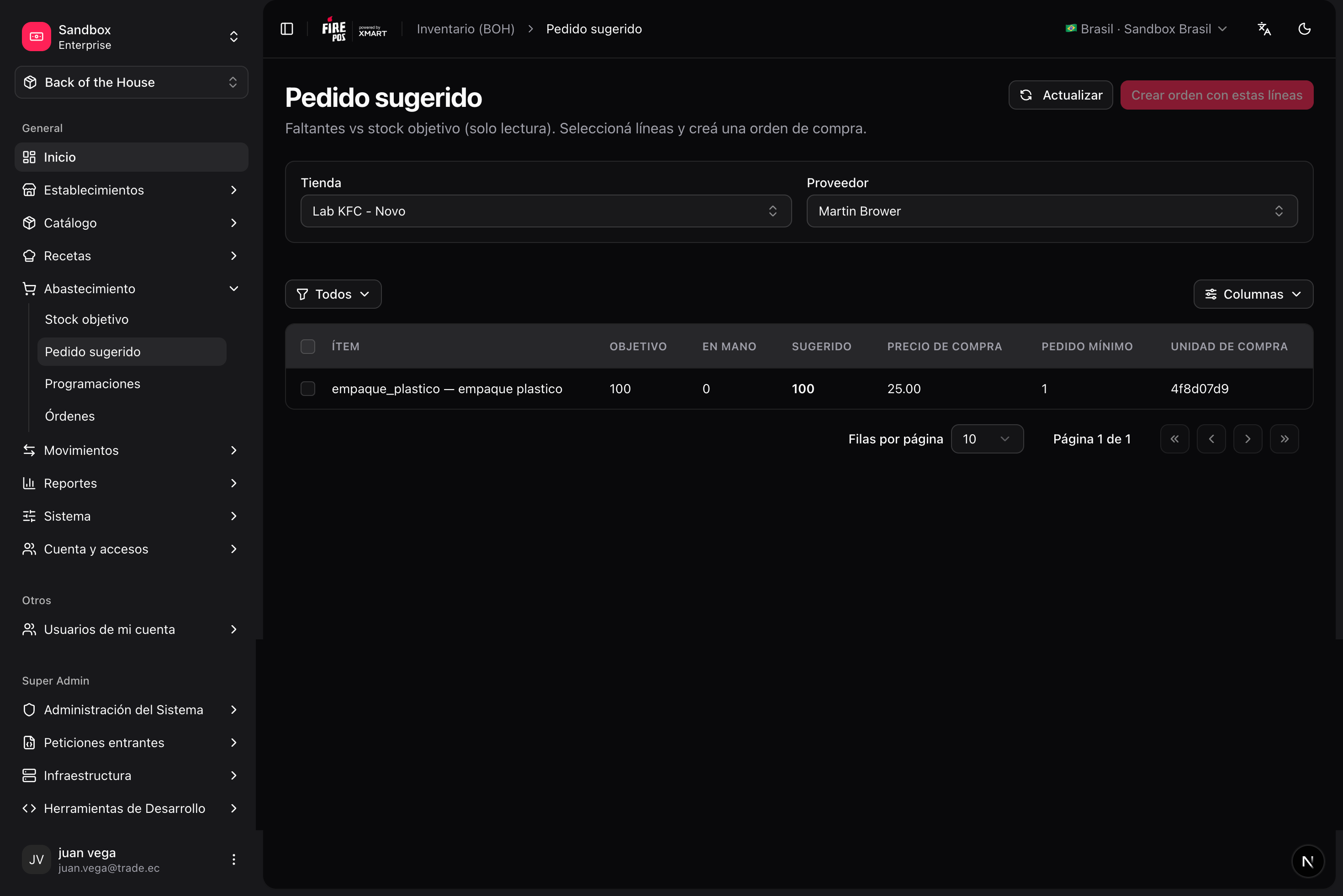
/boh/admin/procurement/par-levels), Suggested order (/boh/admin/procurement/suggested-order), Schedules (/boh/admin/procurement/schedules), and Orders (/boh/admin/procurement/orders).
Receiving schedules
A schedule defines a recurring purchasing rhythm with a supplier: which days you order, the cutoff time, and the expected delivery day. Purchase orders can be created against a schedule so deliveries stay predictable.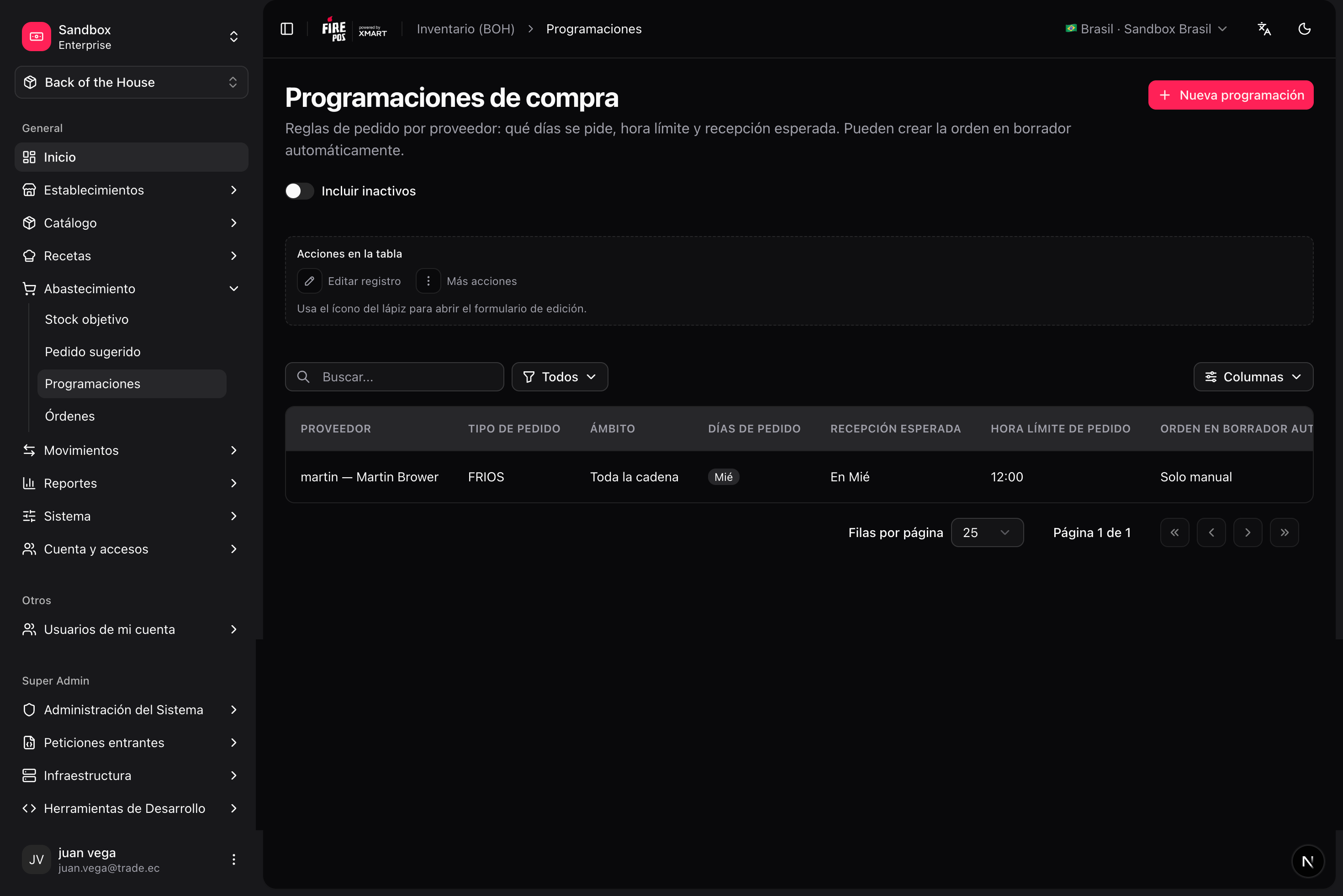
/boh/admin/procurement/schedules/new), pick the supplier, the store, and the recurrence.
Purchase orders
A purchase order (PO) lists the items and quantities you intend to buy from one supplier for one store.Lifecycle
A PO can only be cancelled while in draft or submitted. Once confirmed, close it instead. And remember: a PO never moves stock by itself — only the goods receipts recorded against it do.
Create a purchase order
1
Open the order form
Procurement → Orders → Create (
/boh/admin/procurement/orders/new).2
Pick supplier and store
Optionally link a schedule and set the expected delivery date.
3
Add lines
For each item: quantity, purchase unit, and unit cost. If the item has a supplier link, the price and unit are suggested from it.
4
Submit and confirm
From the detail page (
/boh/admin/procurement/orders/{id}), Submit the order and, when the supplier agrees, Confirm it.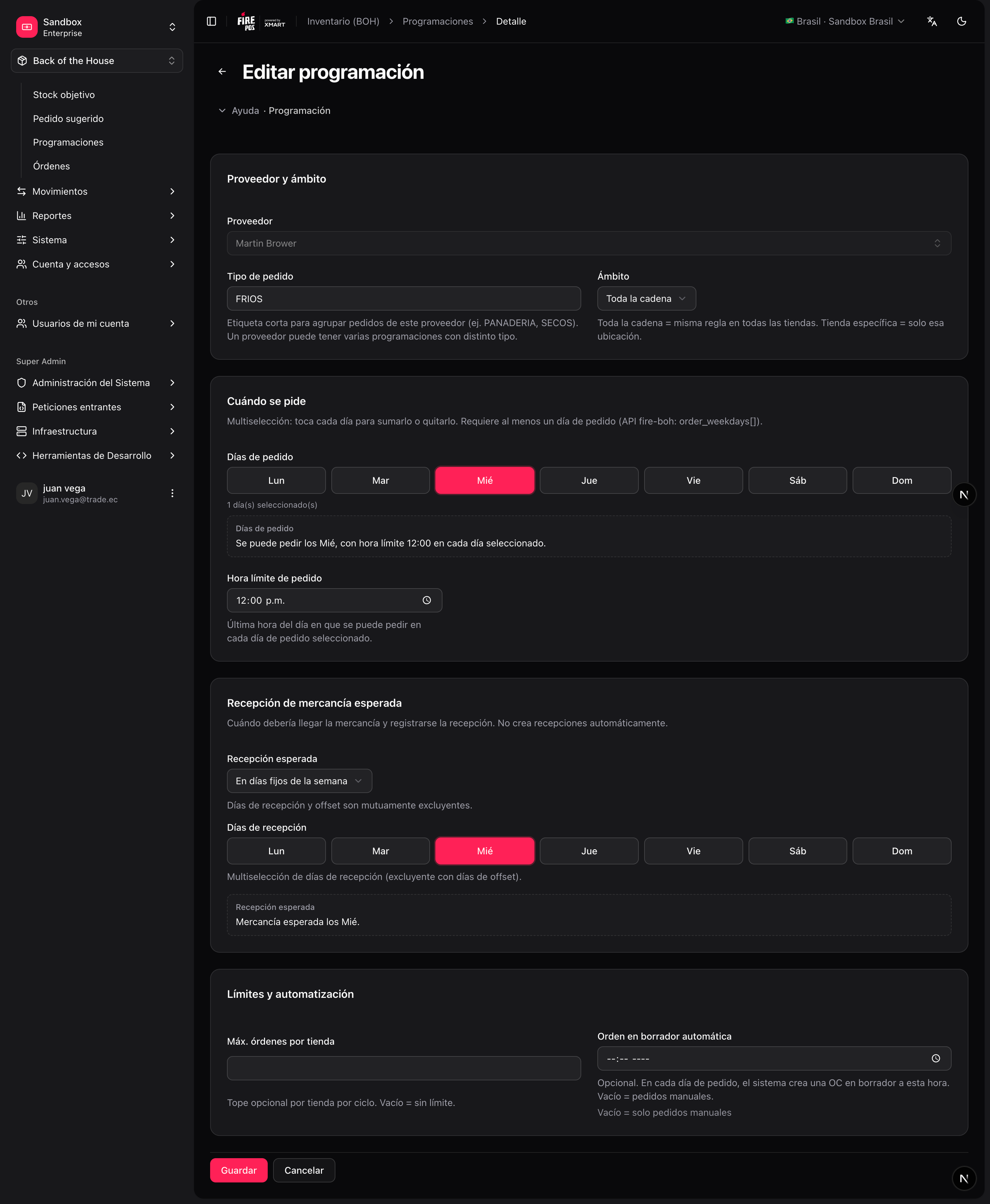
Par levels and suggested orders
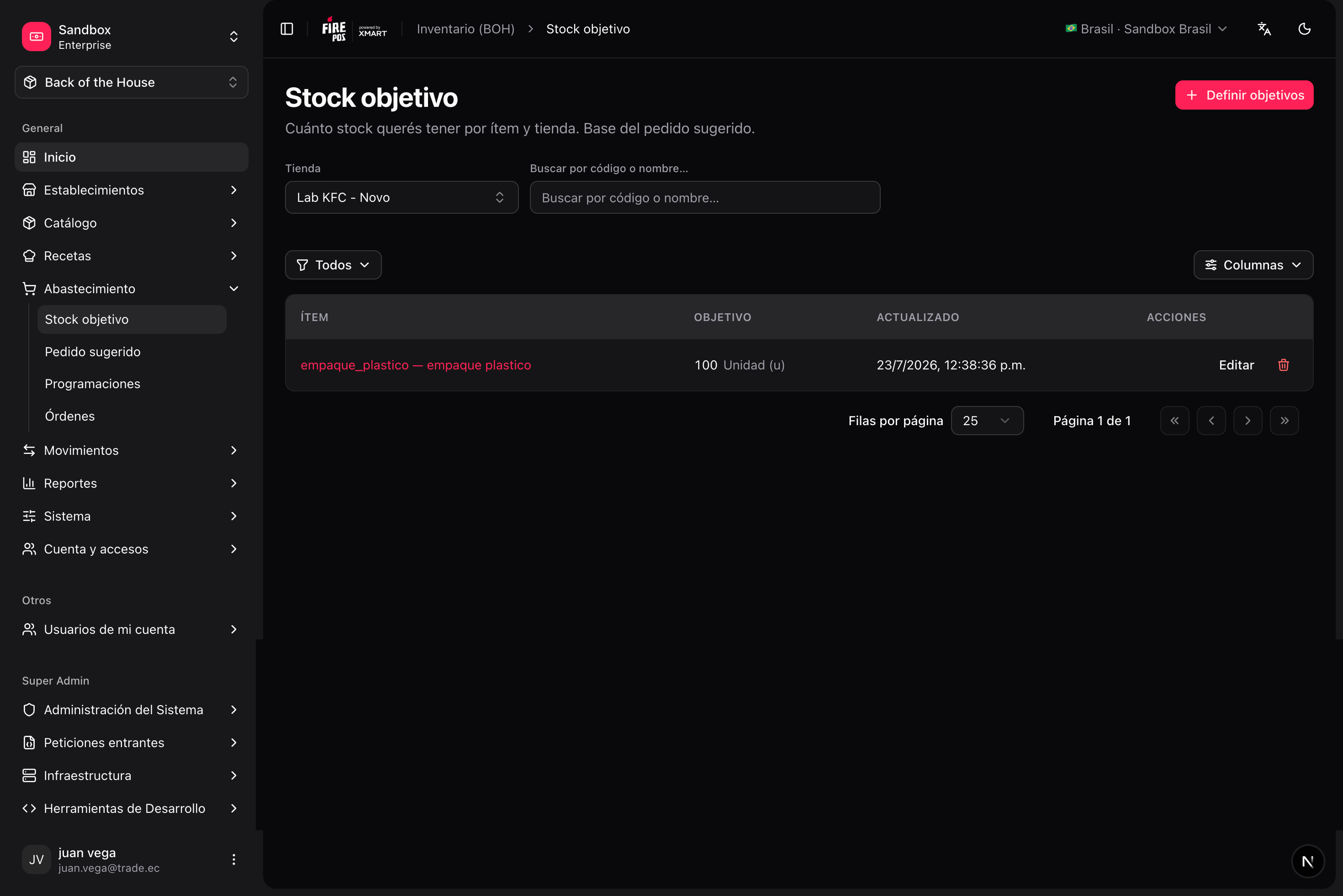
Par levels define the target stock for an item in a store — how much you want on hand after replenishing. Manage them in Procurement → Par levels (/boh/admin/procurement/par-levels).
/boh/admin/procurement/suggested-order):