/boh/admin/operations/goods-receipts) and Supplier returns (/boh/admin/operations/supplier-returns).
Goods receipts
When merchandise arrives, record a receipt with the supplier, the store, and one line per item received: quantity, unit, and unit cost. Confirming the receipt creates the stock and its lots (one per line), which later feed FIFO/FEFO consumption.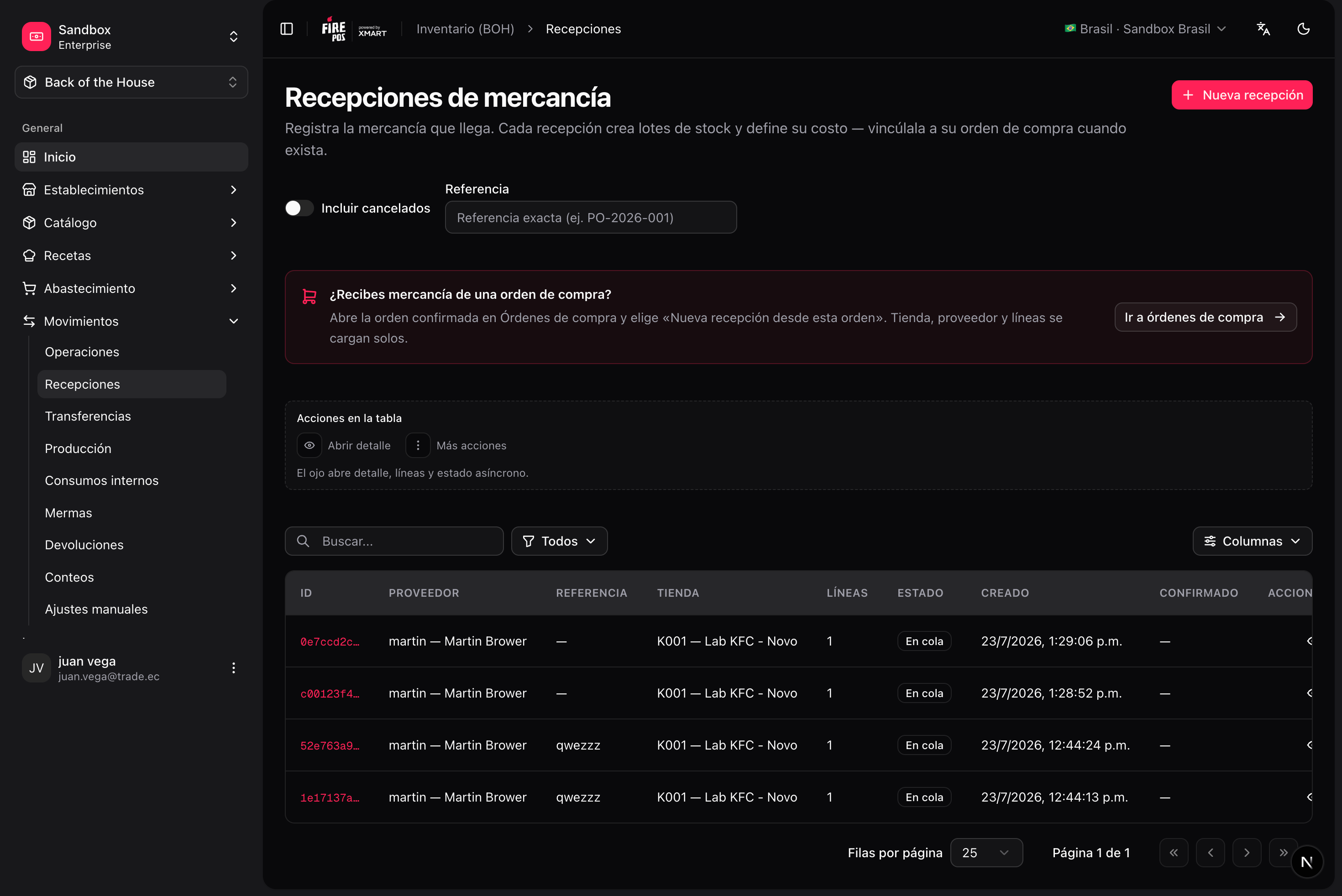
Record a receipt
1
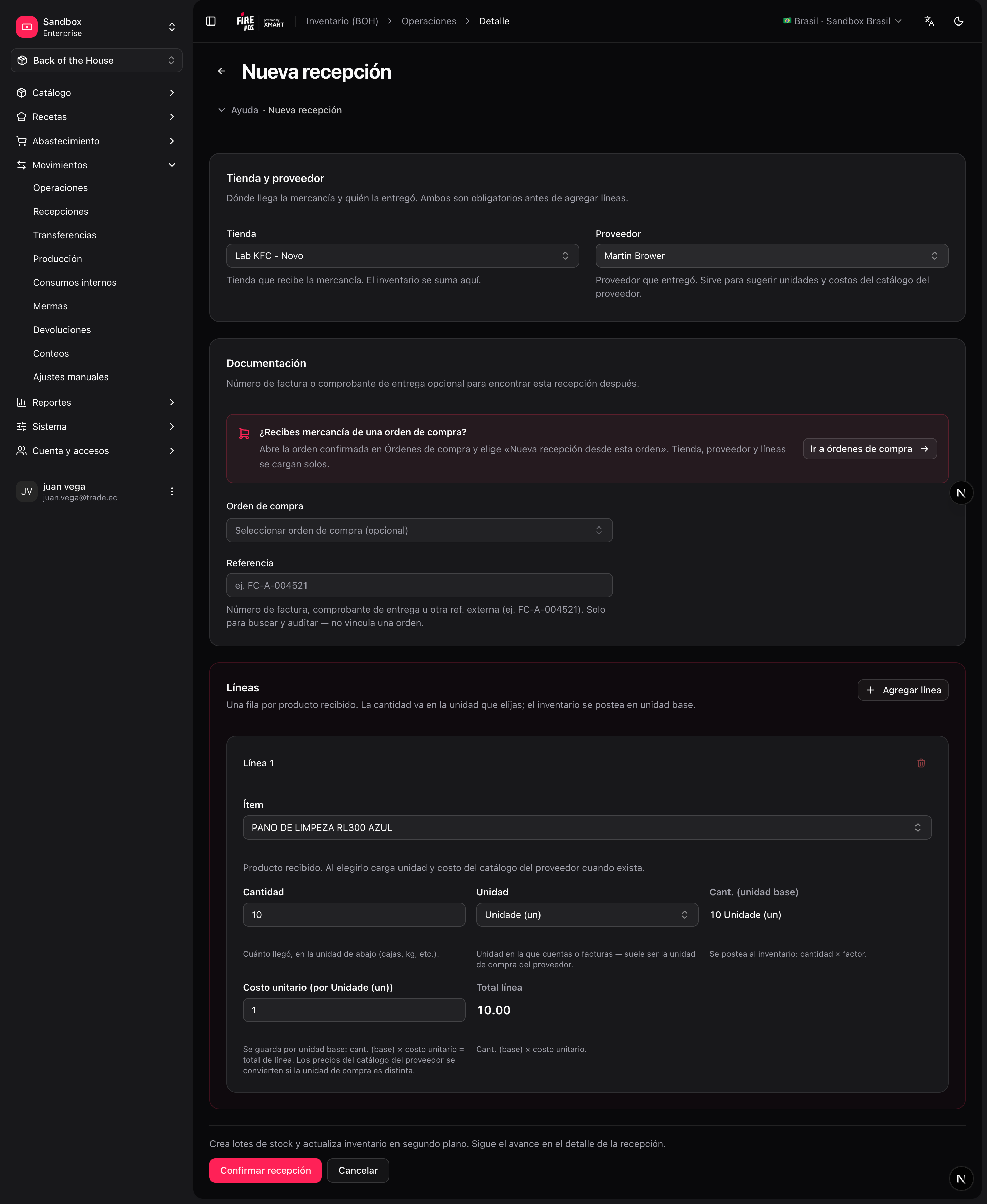
Open the receipt form
Movements → Goods receipts → Create (
/boh/admin/operations/goods-receipts/new).2
Pick store and supplier
Optionally link the receipt to a confirmed purchase order — lines are pre-filled from the pending PO quantities.
3
Enter the lines
Quantity in the unit you actually received (e.g. “1 bag of 25 kg”), plus the unit cost. BOH converts to the item’s base unit internally.
4
Confirm
The receipt is queued for processing; within seconds the stock movements are posted and balances update.
Receiving against a PO allows over-receiving (more than ordered) — the difference is simply recorded. When every PO line is fully received, the PO moves to Received automatically.
Cancel a receipt
From the receipt detail (/boh/admin/operations/goods-receipts/{id}) you can cancel it: BOH posts the opposite movements and the stock leaves inventory again. Use this for receipts recorded by mistake; if the merchandise is physically going back to the supplier, prefer a supplier return.
Supplier returns
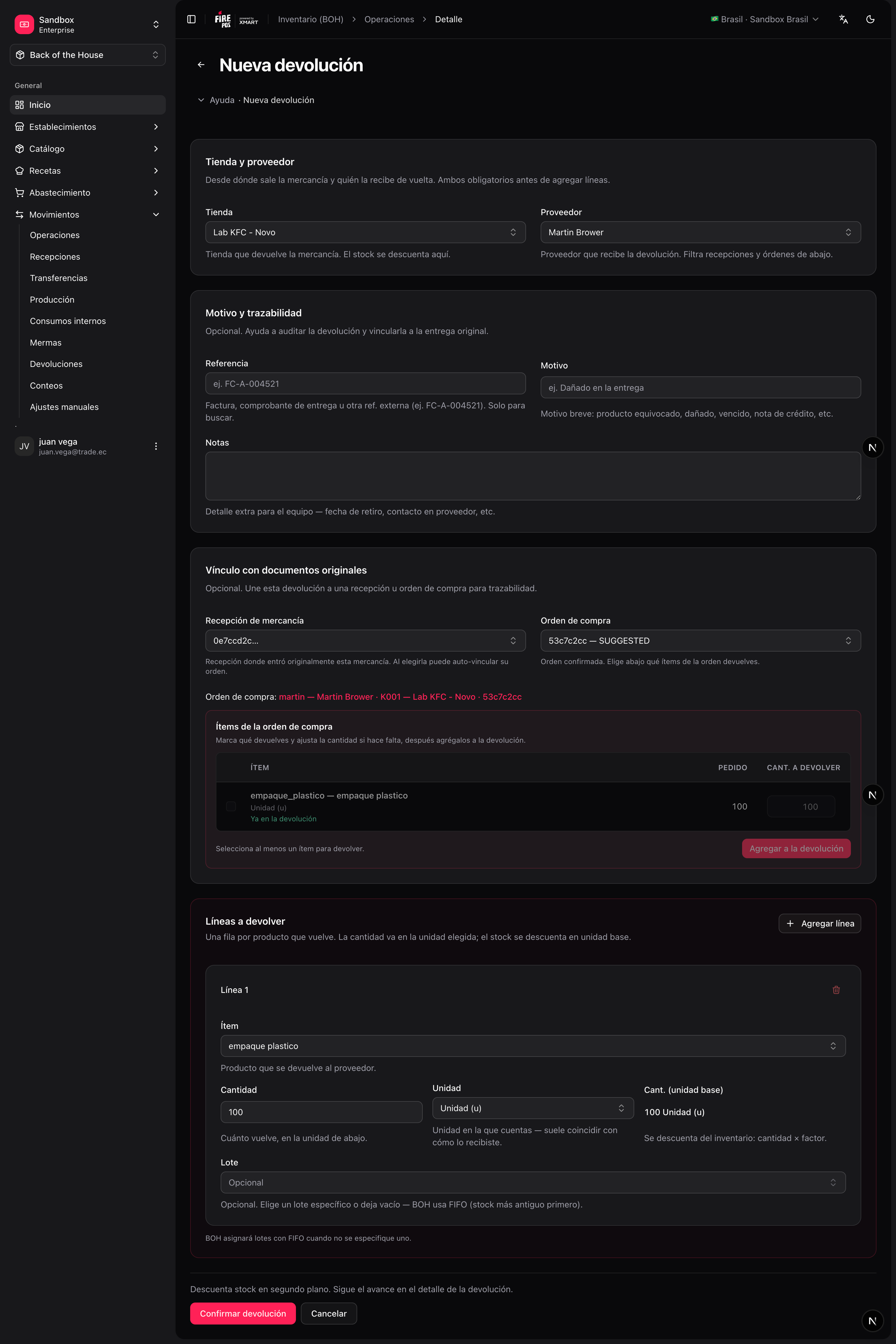
A supplier return records merchandise you send back — wrong product, damaged goods, quality issues. Each line indicates the item, the quantity, and its condition (good or damaged); you can also point at the original receipt for traceability.1
Open the return form
Movements → Supplier returns → Create (
/boh/admin/operations/supplier-returns/new).2
Pick store and supplier
3
Enter the lines
Item, quantity, condition, and optionally the source receipt/lot.
4
Confirm
Stock is deducted from the corresponding lots (oldest first if you did not pick a specific lot).