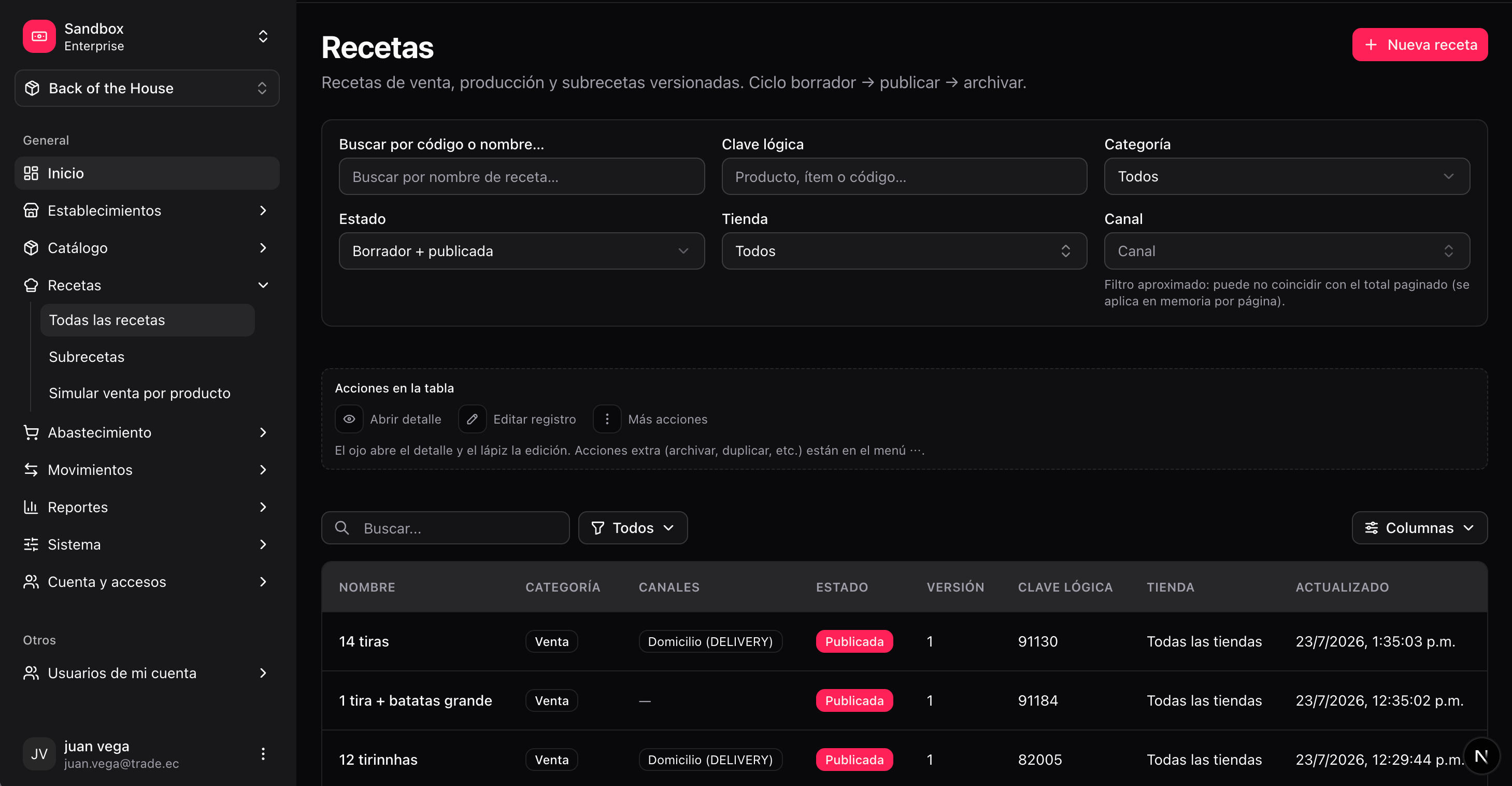
/boh/admin/recipes), Subrecipes (/boh/admin/subrecipes), and Simulate sale by product (/boh/admin/recipes/effective).
Recipe types
Recipe lines can consume:
- A specific item (e.g. 120 g of brand-X cheese).
- An item tag (e.g. 80 g of any
TOMATO) — BOH picks the member per its selection strategy. - A subrecipe (e.g. 1 portion of “Burger base”), expanded recursively at consumption time.
Lifecycle: draft, published, archived
Recipes are versioned. Each version moves through three states:
Publishing a new version automatically archives the previous published one, so only one published version exists per product and store at a time.
Create and publish a recipe
1
Open the recipe form
Recipes → Create (
/boh/admin/recipes/new).2
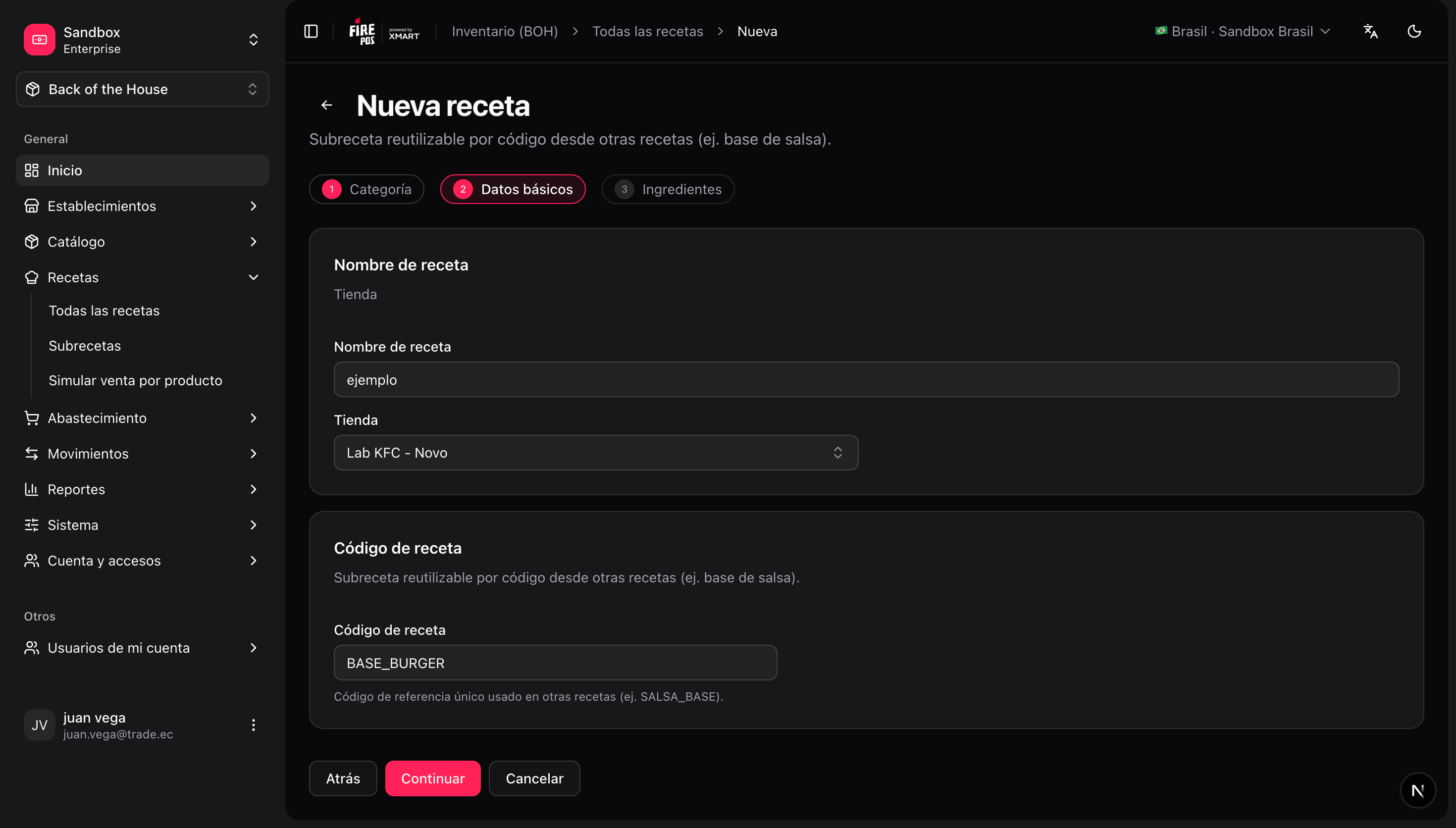
Pick the type and target
For a sales recipe, select the sellable product it applies to and the store. For a production recipe, select the output item. For a subrecipe, give it a code.
3
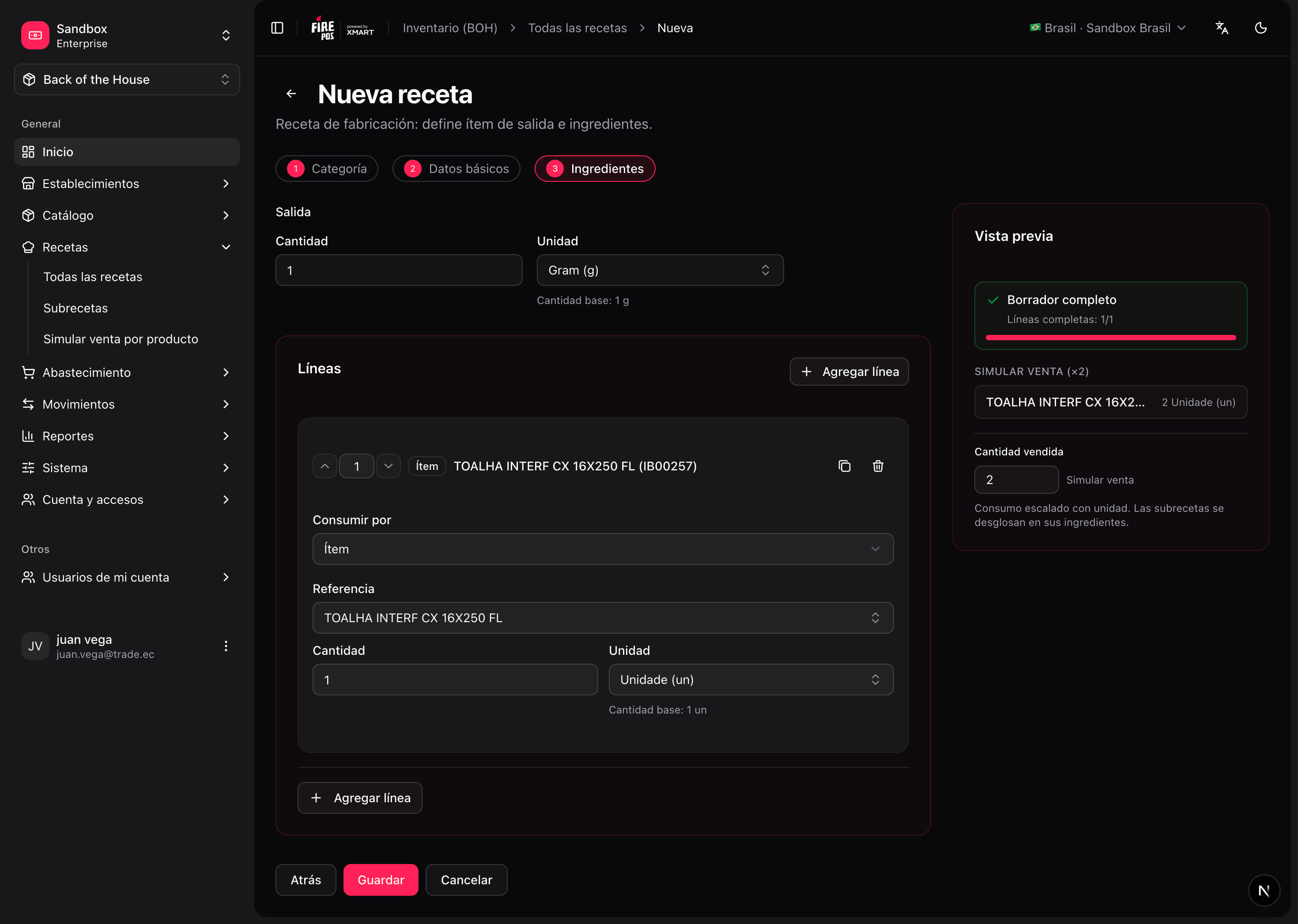
Add the lines
Each line: what to consume (item, tag, or subrecipe), the quantity, and the unit.
4
Save the draft and review it
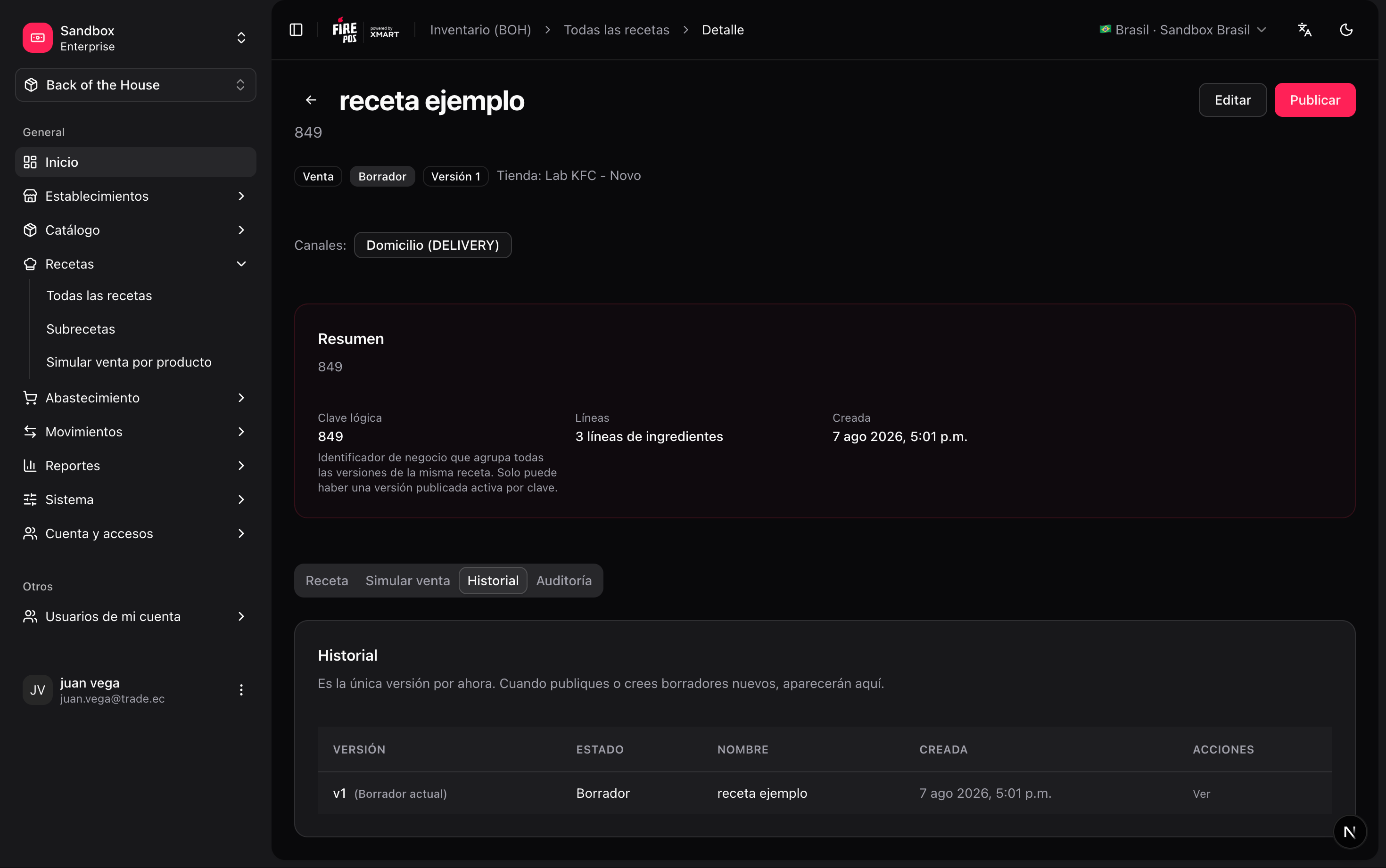
From the detail page (
/boh/admin/recipes/{id}) you can review lines and the version history.5
Publish
Press Publish. The draft becomes the active version.

Channel-scoped lines
There is a single published recipe per product and store. Lines that only apply to a specific channel (delivery, drive-thru, dine-in…) are modelled per line using the optionalservice_codes field:
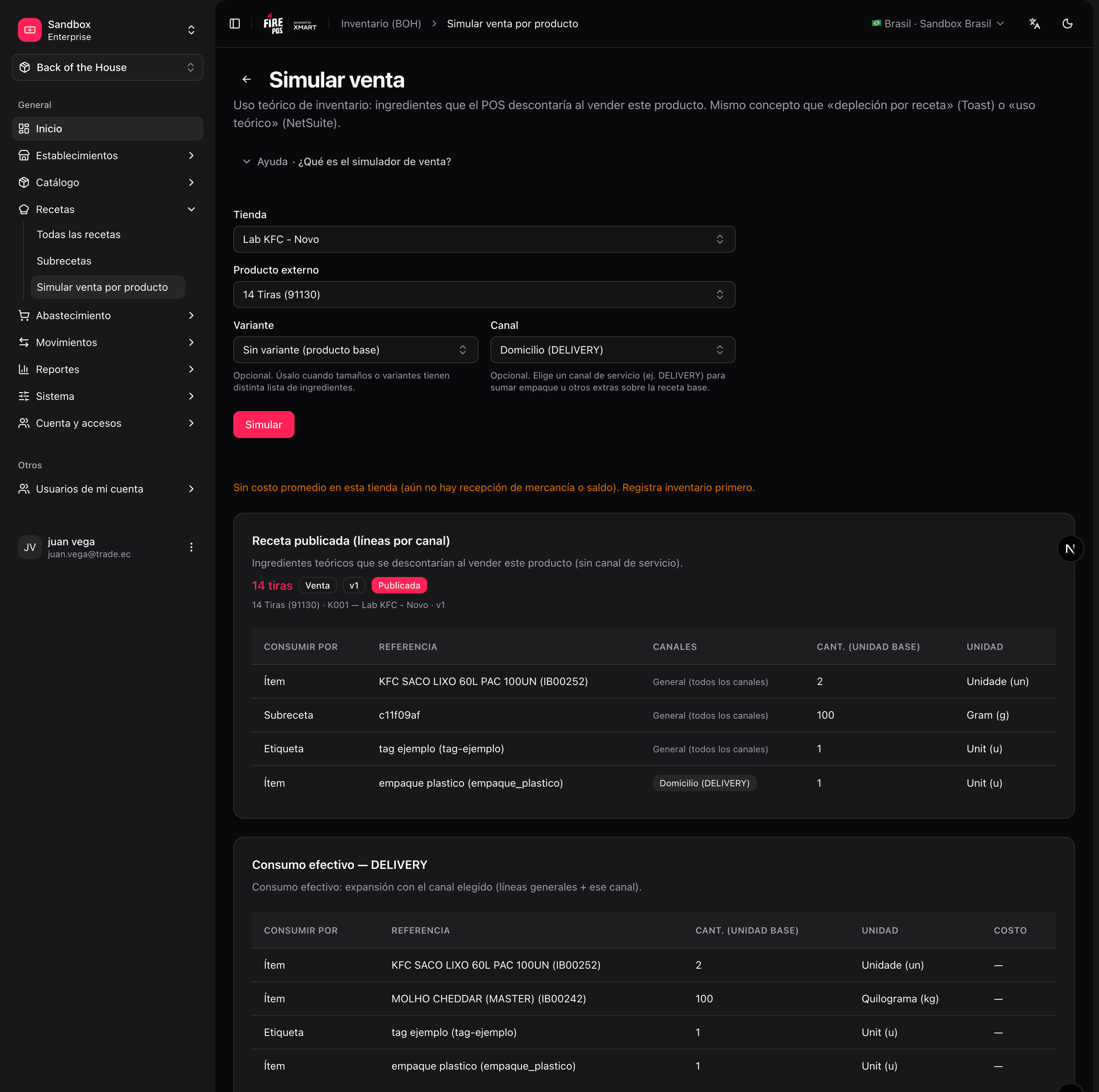
When you simulate a sale (Recipes → Simulate sale by product), select the service type to preview the exact lines that will be consumed for that channel — general lines are always shown, channel-scoped lines only when their code matches.
Simulate a sale
Before going live, verify what a product will actually deduct: Recipes → Simulate sale by product (/boh/admin/recipes/effective). Pick a store, a product, and a service type, and BOH shows the fully expanded list of items and quantities that a sale would consume — including subrecipe expansion and tag resolution.