

The minimum you need to know
- With no details, the sale goes out to Final consumer.
- The POS checks the document length by country and type, and in Brazil it also checks the check digits.
- If the store has a Final-consumer limit, above that amount the POS requires the customer’s details.
Prerequisites
- An order with products. See Sell and charge.
1. Open Identify customer
On the order, tap Identify customer. On the charge screen, the same button is called Billing details. The window starts on Final consumer.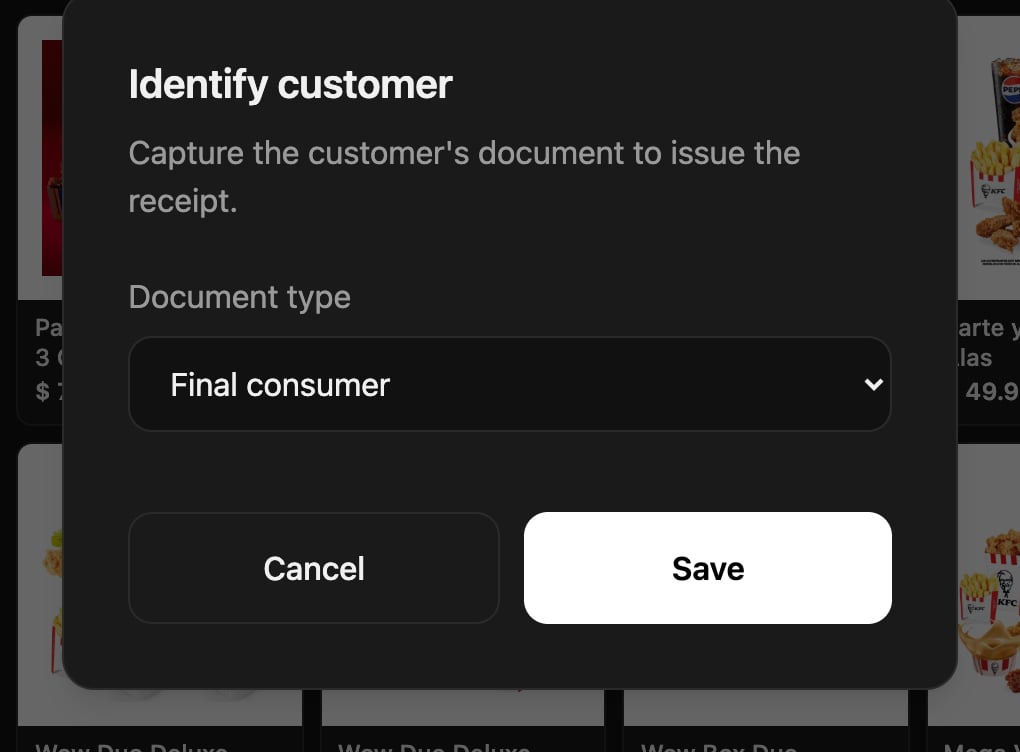
2. Choose the type and enter the number
In Document type, choose the one the customer shows you. In Colombia: National ID (CC), Foreigner ID (CE), NIT, Passport or Final consumer. Type the Document number with the window’s keypad or with the physical keyboard.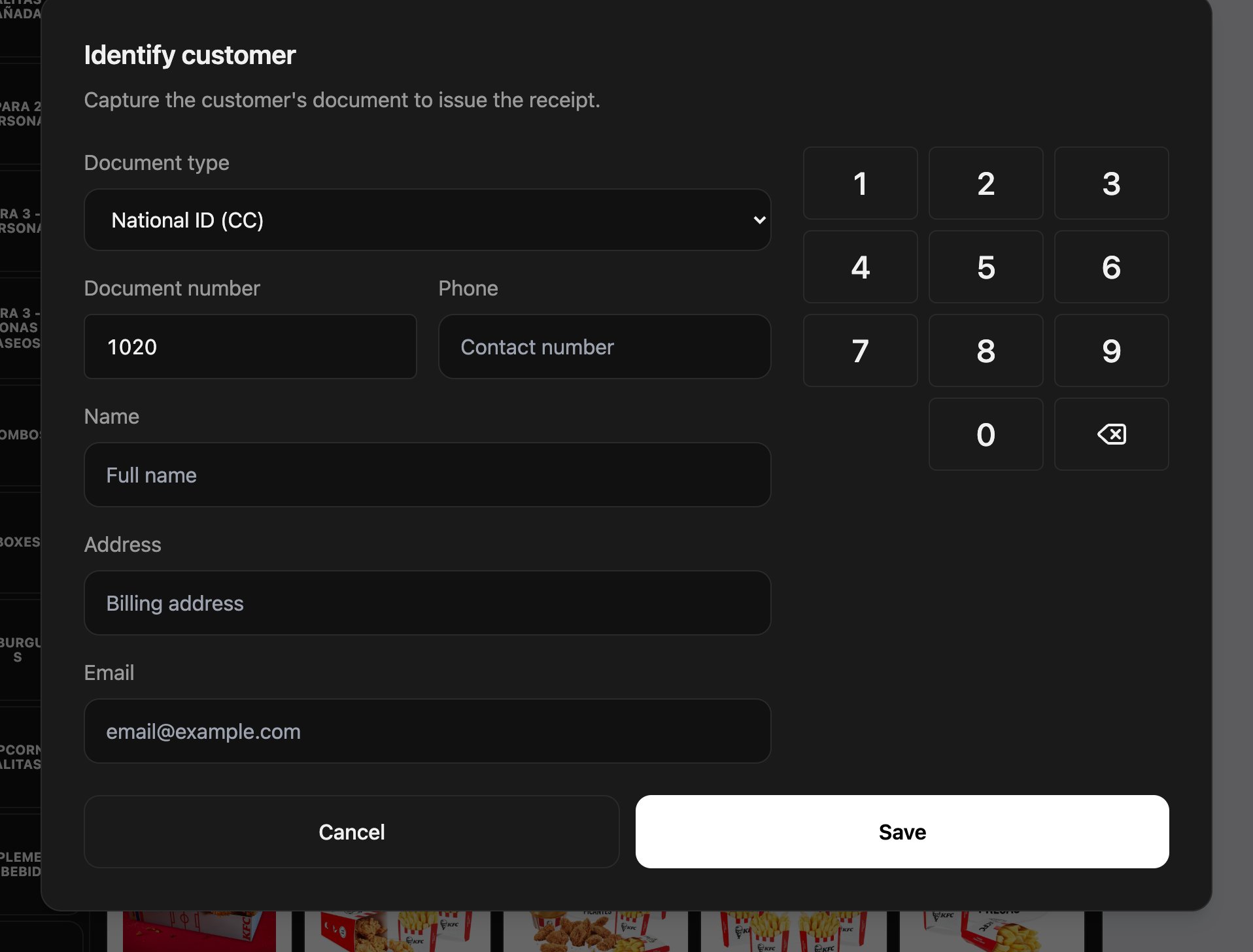
3. Fill in the details
With a document, in Colombia the Phone and Address are also required, in addition to the Name and Email. The buttons on the right fill in the email domain, such as @gmail.com.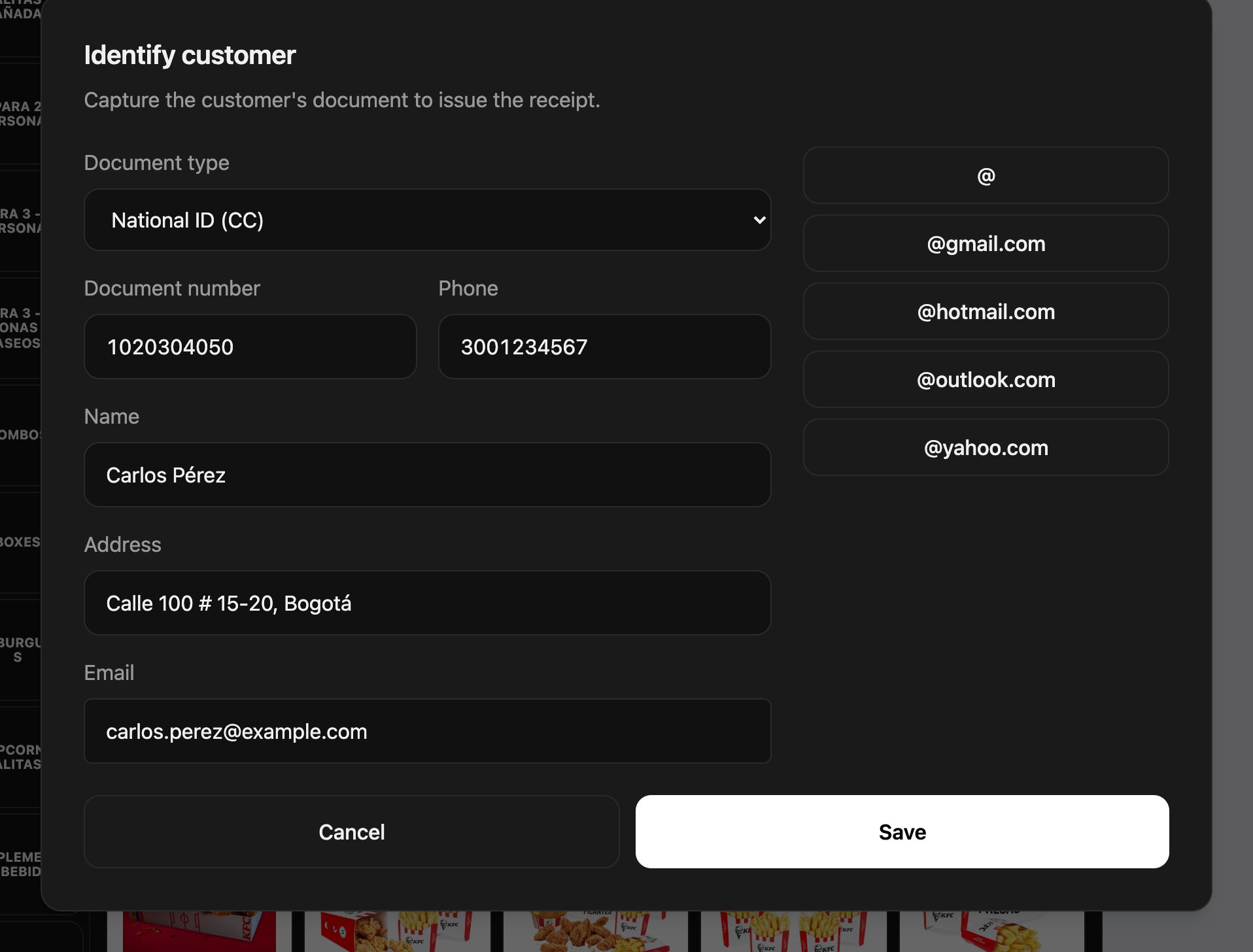
Document length by country
In Chile, Argentina and Venezuela the POS accepts up to 20 characters.
Final-consumer limit
If the store has the Final-consumer limit turned on, sales above that amount can’t be closed as final consumer: the charge screen shows Invoice required and you have to enter the customer’s details to finish. The limit is set in the backoffice: see Store configuration. In Ecuador it comes turned on at USD 50.Change or remove the customer
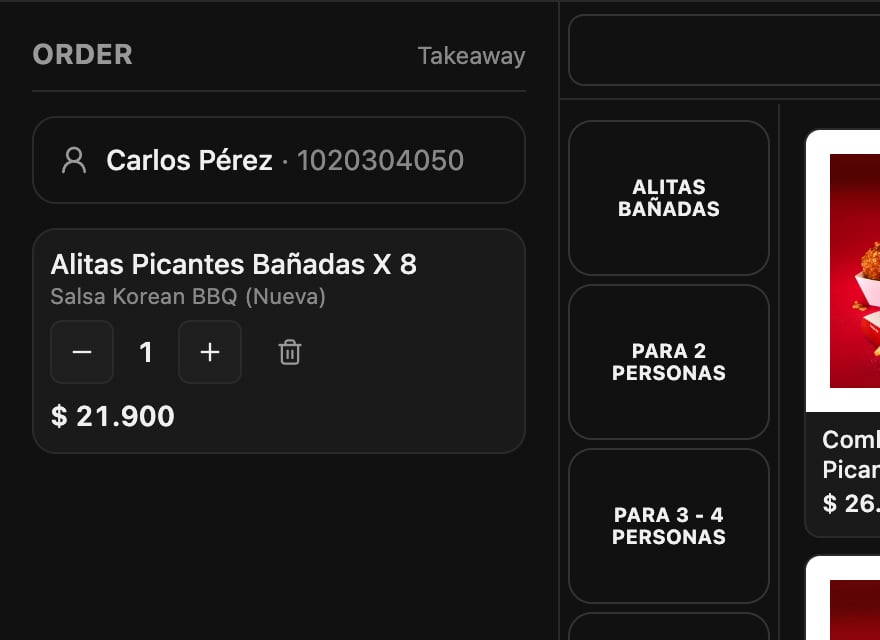
Tap the customer’s name on the order to edit their details. Remove current customer sets the sale back to final consumer.Mistakes that cost money
Frequently asked questions
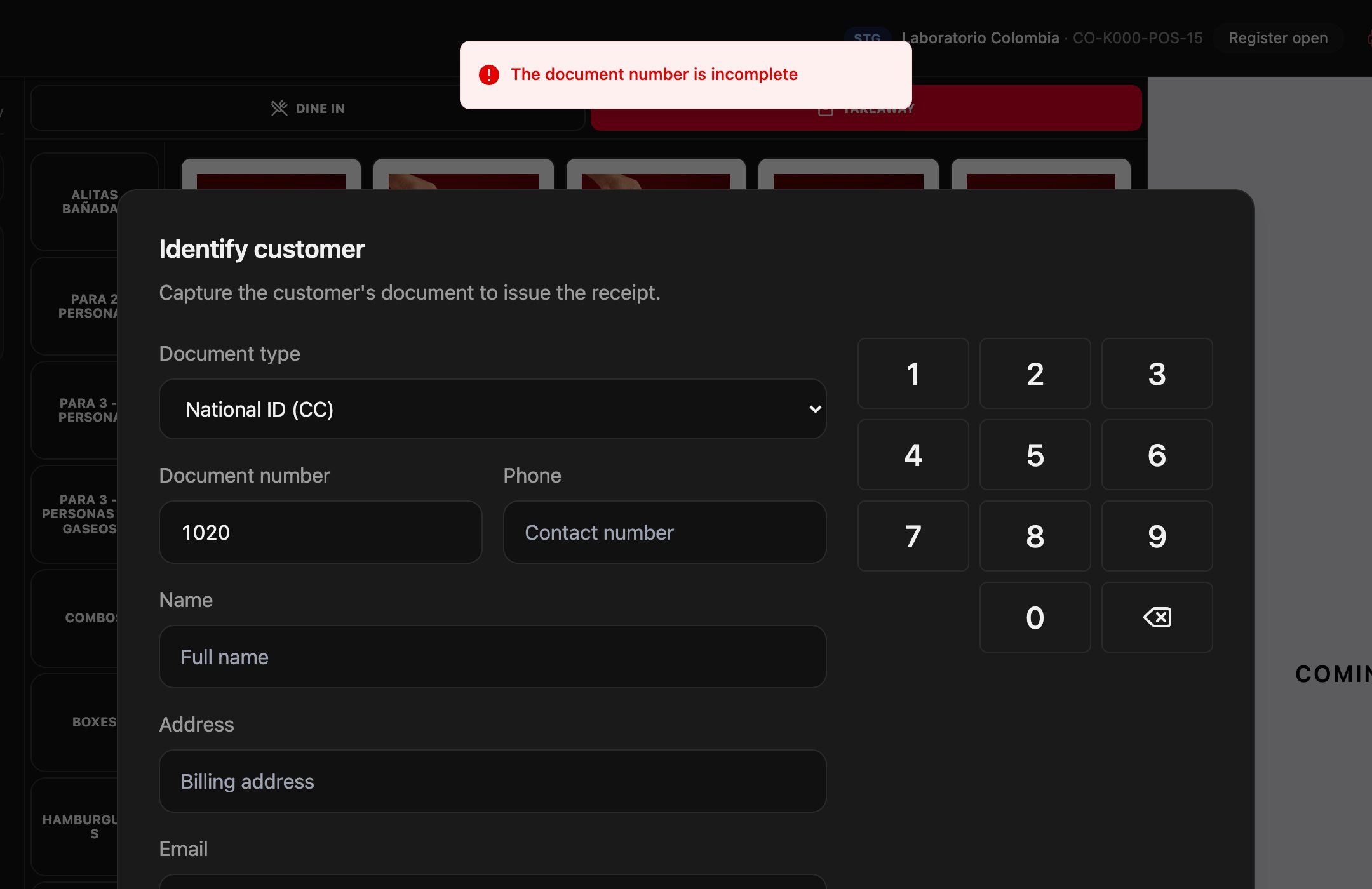
It says “The document number is incomplete”
It says “The document number is incomplete”
The number has fewer digits than that document type requires. Check the type and the number.
It won't let me save without a phone or address
It won't let me save without a phone or address
With a document, the invoice needs those details. Ask the customer for them, or go back to Final consumer if they don’t want an invoice in their name.
“Invoice required” appears on the charge screen
“Invoice required” appears on the charge screen
The sale is above the store’s final-consumer limit. Enter the customer’s details so you can finish.