

The minimum you need to know
- The drawer opens by itself when you have to take in or give back cash.
- Opening it manually requires a manager’s code from Access → Open drawer. Each code is good for one opening.
- The drawer opens through the Fire Agent and the printer, so the device needs both set up.
Prerequisites
- An open register.
- The Fire Agent installed and the printer set up, with the drawer connected to the printer. See Printer and terminal settings.
When it opens by itself
It does not open when you finish the sale or when the sale was paid by card only.
Open it manually
To open the drawer outside a sale —to break bills, to put away a payment that was left out— you need the manager’s code.- Tap your name at the top right to open Settings and choose Open drawer.
-
Ask the manager for a code from Access → Open drawer. See Authorization codes.
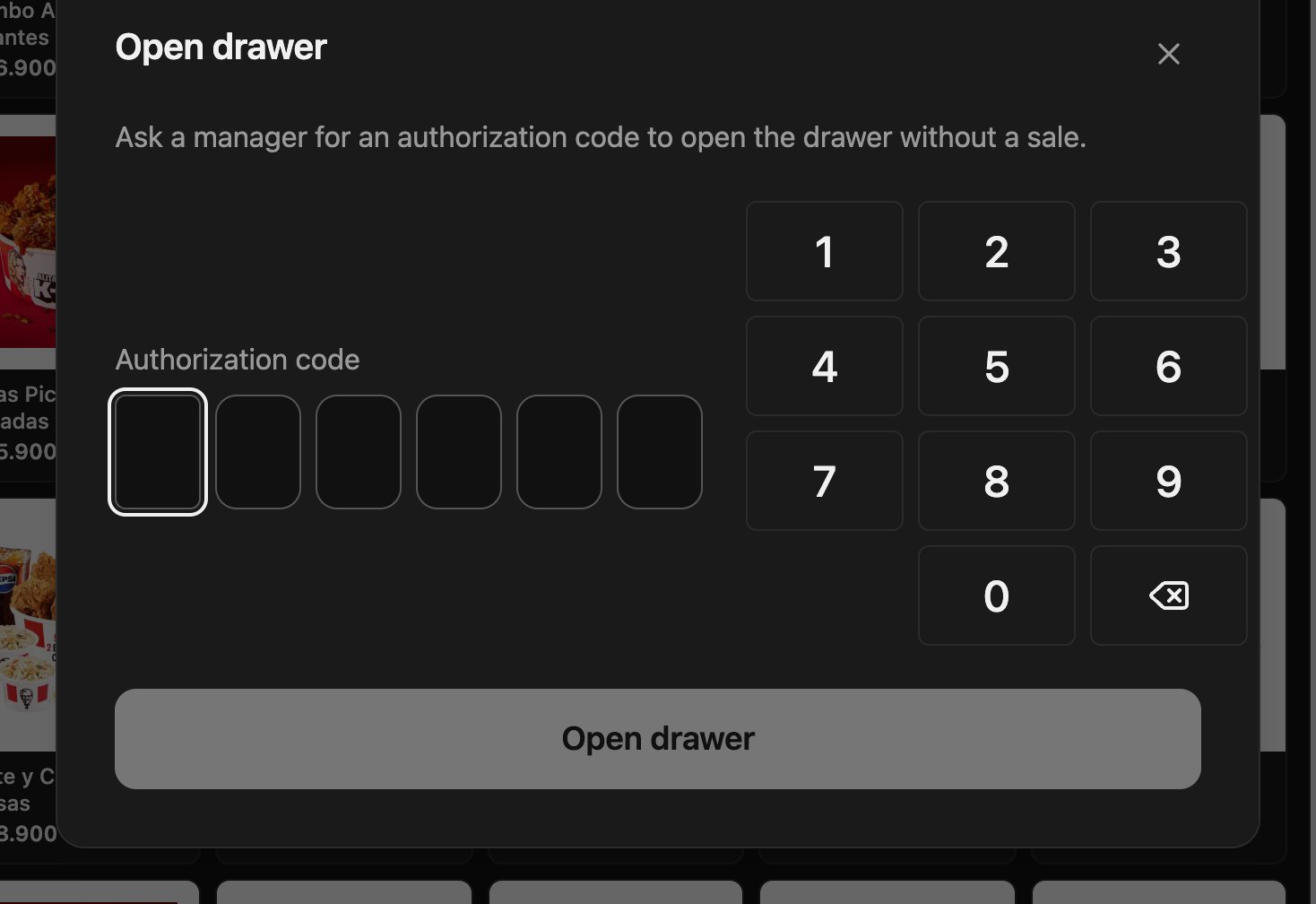
-
Type the 6 digits of the code.
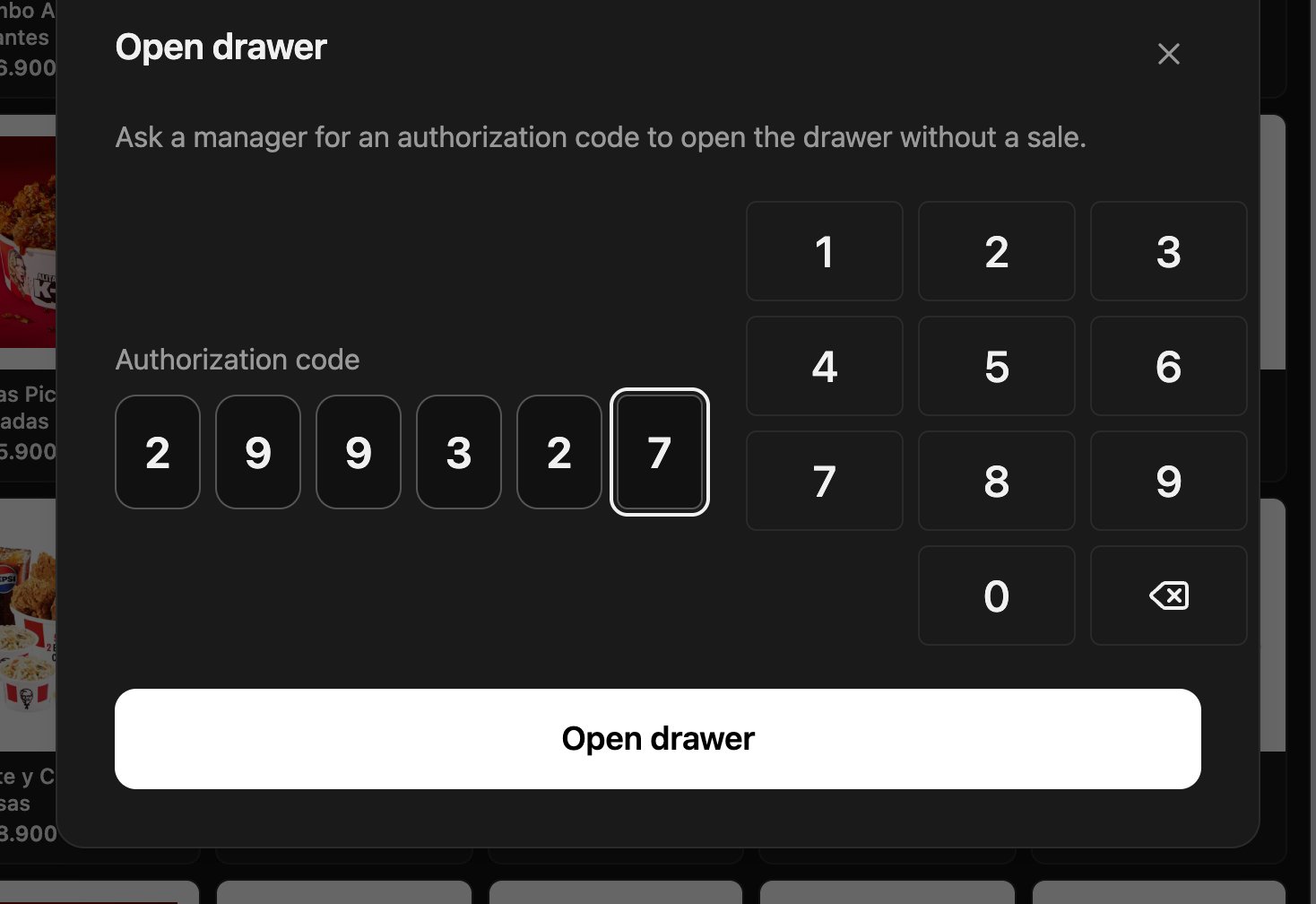
-
Tap Open drawer. The POS confirms Drawer opened.

Mistakes that cost money
Frequently asked questions
It says “Invalid or already used code”
It says “Invalid or already used code”
The code was already used, expired, or is for another operation. Ask the manager for a new one from Access → Open drawer.
The POS says it opened but the drawer did not move
The POS says it opened but the drawer did not move
Check that the Fire Agent is open, that the printer is set up, and that the drawer is connected to the printer.
Can I use the same code twice?
Can I use the same code twice?
No. Each code opens the drawer once.