

The minimum you need to know
- Each shift opens its own register with an initial fund. It can be $ 0.
- The fund is counted at close: the expected amount is initial fund + cash sales − withdrawals.
- A cashier can only have one open register at a time.
Prerequisites
- You’ve started the shift. See Start a shift.
1. Count the fund
After you start the shift, if the register is closed, the POS shows Register closed with the Initial fund field.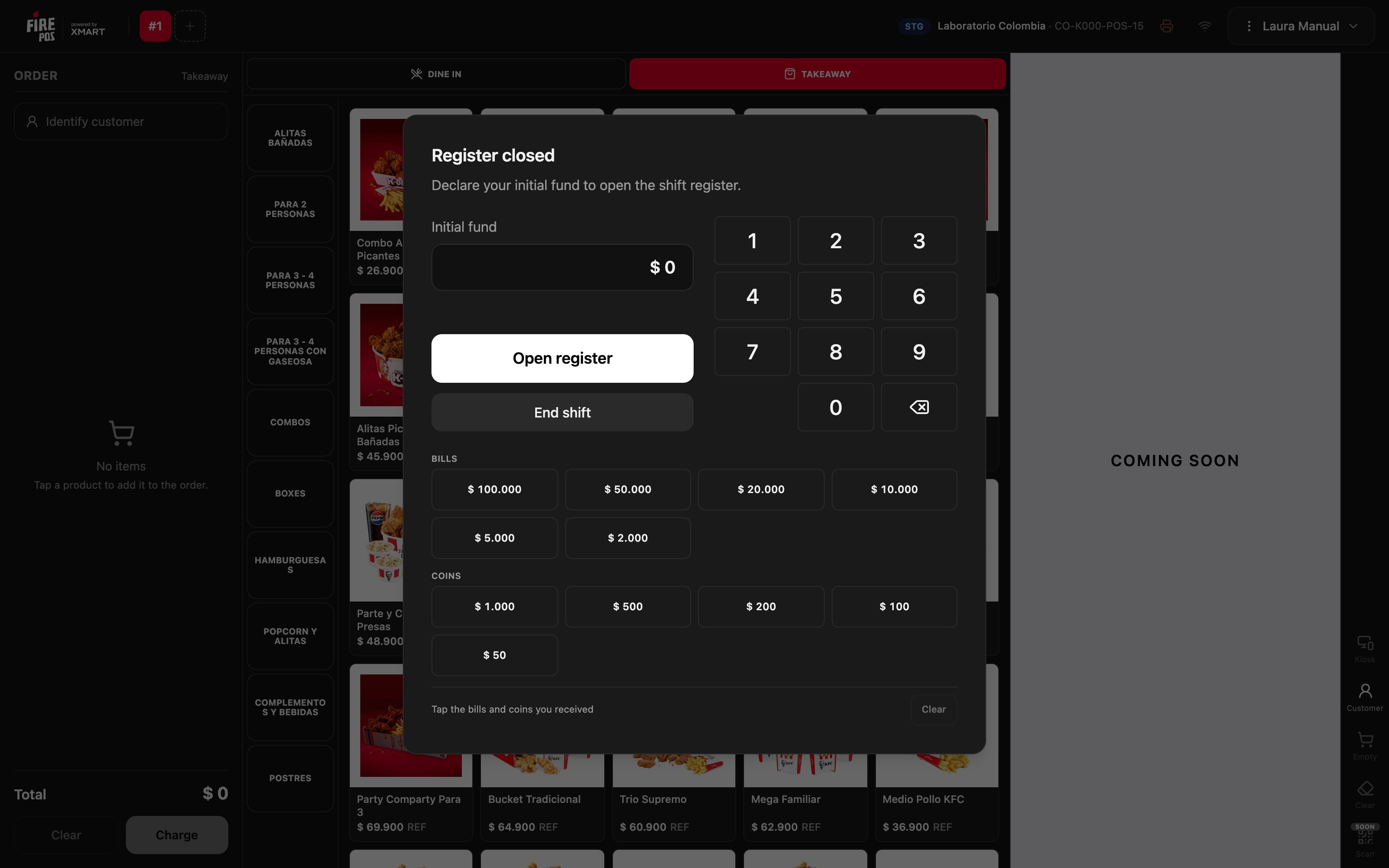
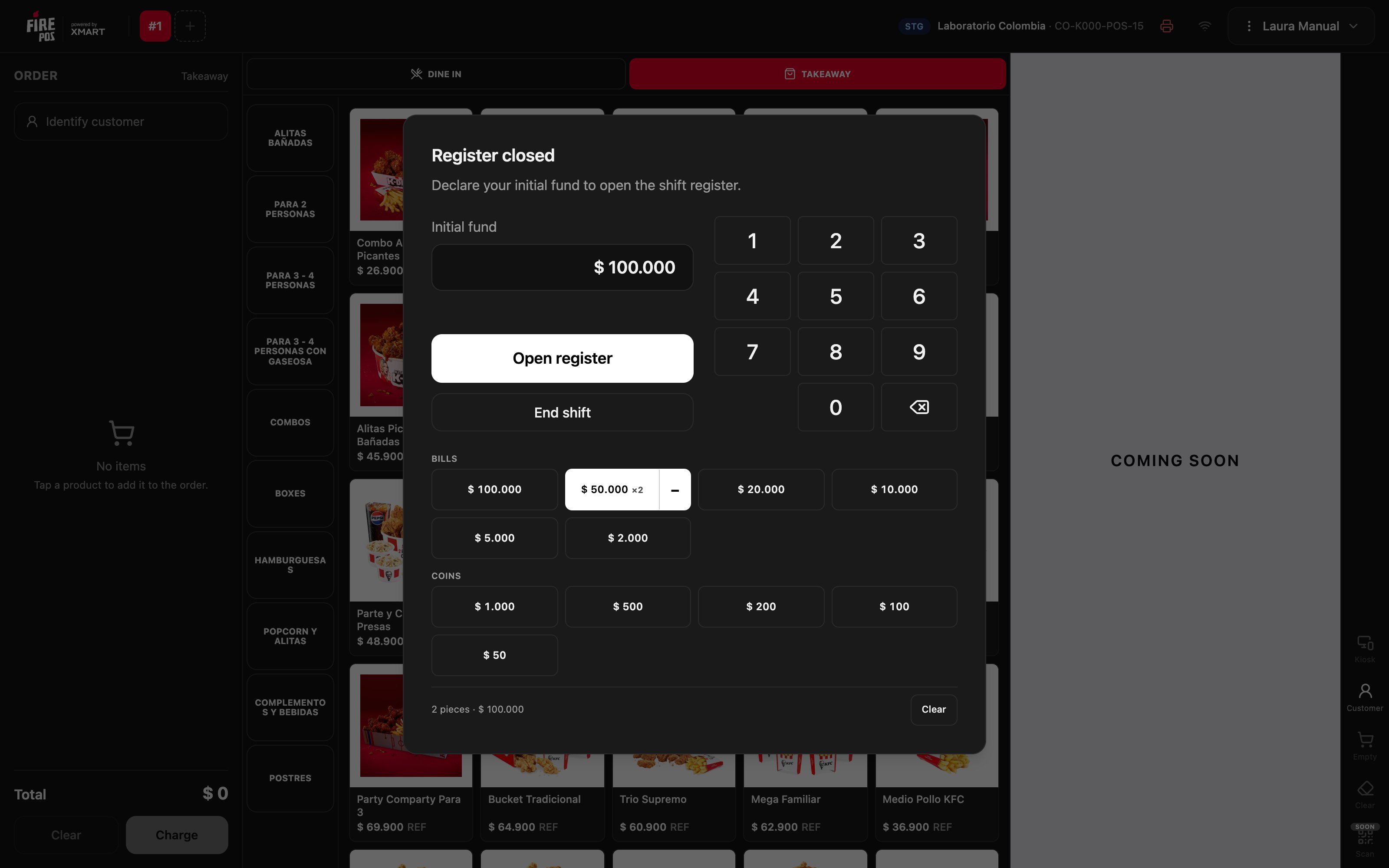
- With the bills and coins pad: tap each bill or coin you count. The total adds up on its own, and below it you see how many pieces you counted.
- With the keypad: type the total.
2. Open the register
Tap Open register. The window closes, Register open appears at the top, and the POS is ready to sell.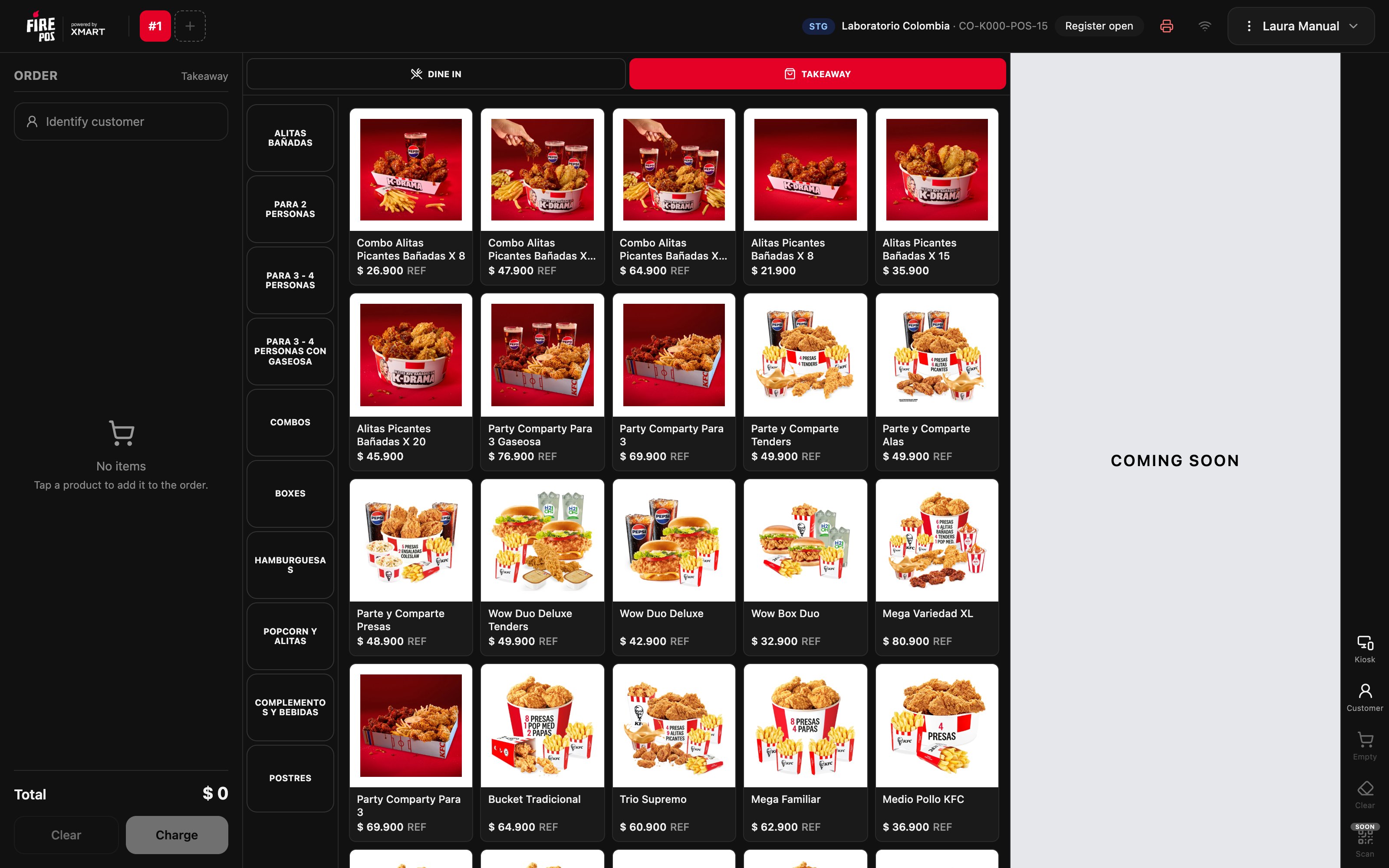
Mistakes that cost money
Frequently asked questions
I made a mistake on the pad
I made a mistake on the pad
Tap the − next to the bill to remove one, or Clear to start over.
Can I open with $ 0?
Can I open with $ 0?
Yes. If the drawer starts empty, open with $ 0.
It says I already have an open register
It says I already have an open register
A register of yours was left open on another terminal. Ask the manager to close it from Terminal administration with Close register manually.