

The minimum you need to know
- The POS shows only its own store’s cashiers. Cashiers are created in the backoffice: see Cashiers.
- The PIN has 6 digits. After 3 failed attempts the cashier is locked for 5 minutes.
- If the POS closes while the shift is open, it signs you straight back in when you reopen it, without asking for the PIN again.
Prerequisites
- A POS linked to the store. See Linking.
- An active cashier from that store, with their PIN.
1. Choose your name
In Select a cashier, choose your name. If it doesn’t appear, tap the reload icon next to the list: the POS requests the store’s cashiers again.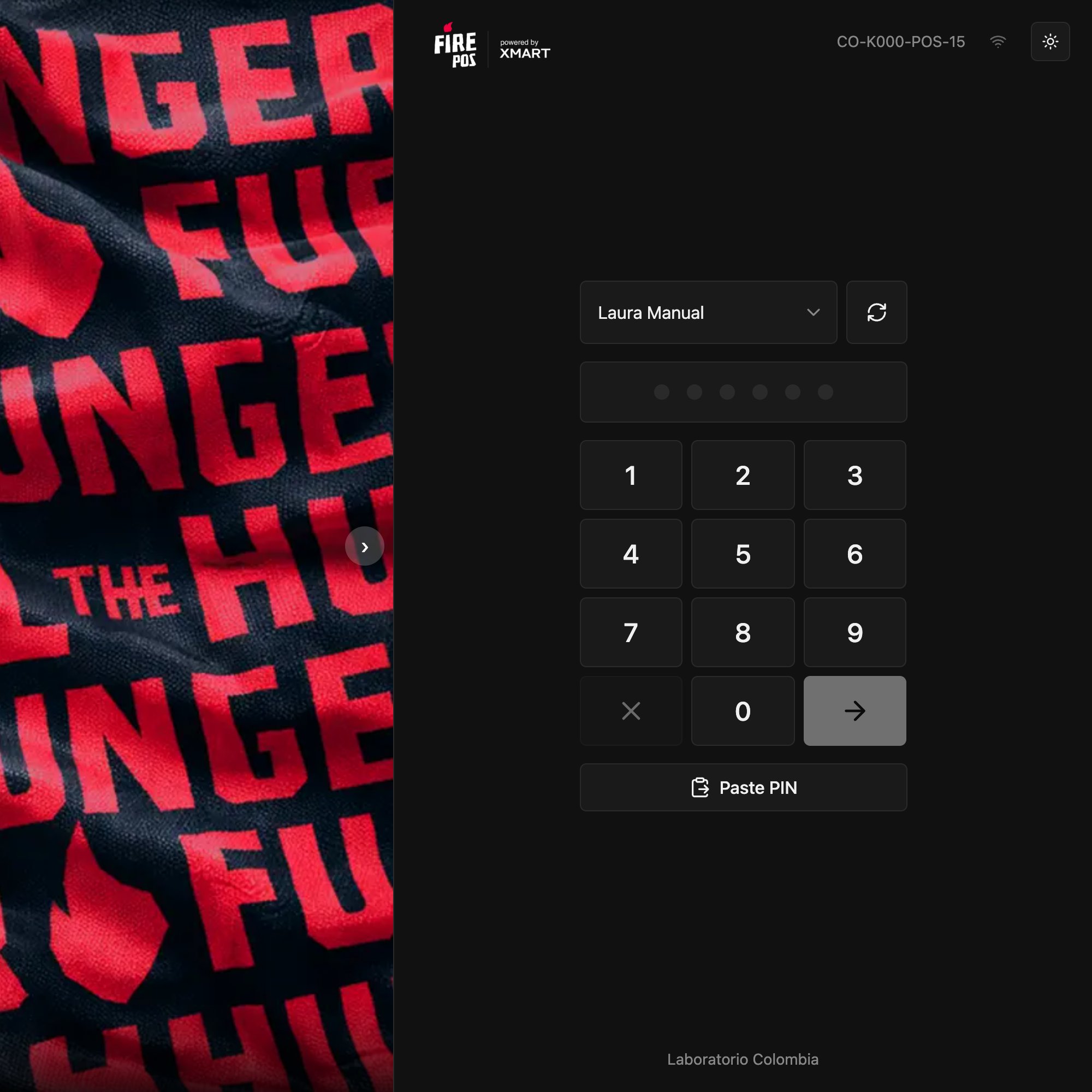
2. Enter your PIN
Type the 6 digits with the on-screen keypad, with the physical keyboard, or with Paste PIN. On the sixth digit the POS signs you in on its own. If the PIN is wrong, the POS tells you how many attempts you have left.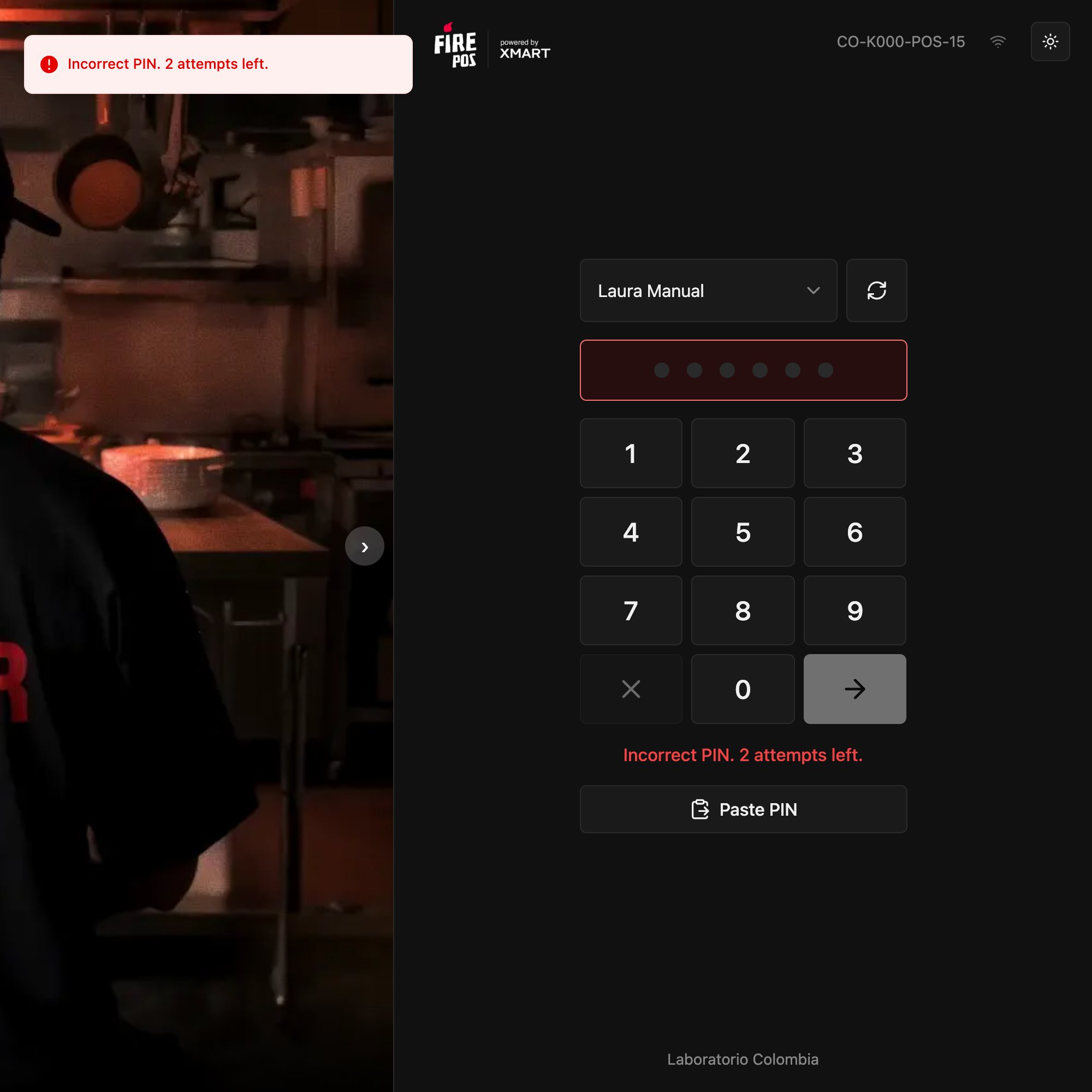
3. Start working
With the correct PIN, the shift starts. Your name appears in the top right.- If your register isn’t open yet, the POS asks you for the initial fund: see Open the register.
- If it was already open, you go straight back to the sales screen.
Lockout after a wrong PIN
On the third wrong PIN in a row, the cashier is locked for 5 minutes and the POS says so. They can wait, or the manager can unlock them in the backoffice from Fire POS → Cashiers → Unlock.Leave without opening the register
In the Register closed window, End shift ends the shift without opening the register and returns to the sign-in screen. Use it when you signed in with the wrong cashier.Mistakes that cost money
Frequently asked questions
My name doesn't appear in the list
My name doesn't appear in the list
Tap the reload icon next to the list. If it still doesn’t appear, ask the manager to check in Fire POS → Cashiers that you’re active and assigned to this store.
It says “Cashier locked”
It says “Cashier locked”
You entered the wrong PIN 3 times. Wait 5 minutes or ask the manager to unlock you.
I forgot my PIN
I forgot my PIN
The manager resets it in Fire POS → Cashiers → Reset PIN and gives you the new one.
It says “This cashier does not belong to this store”
It says “This cashier does not belong to this store”
That cashier is registered in another store. The manager has to create a cashier for you in this one.